Temporary Ban Warning Fix
What the temporary ban warning means and how to fix it before it becomes permanent
Table of Contents
1. What Does the Warning Mean?
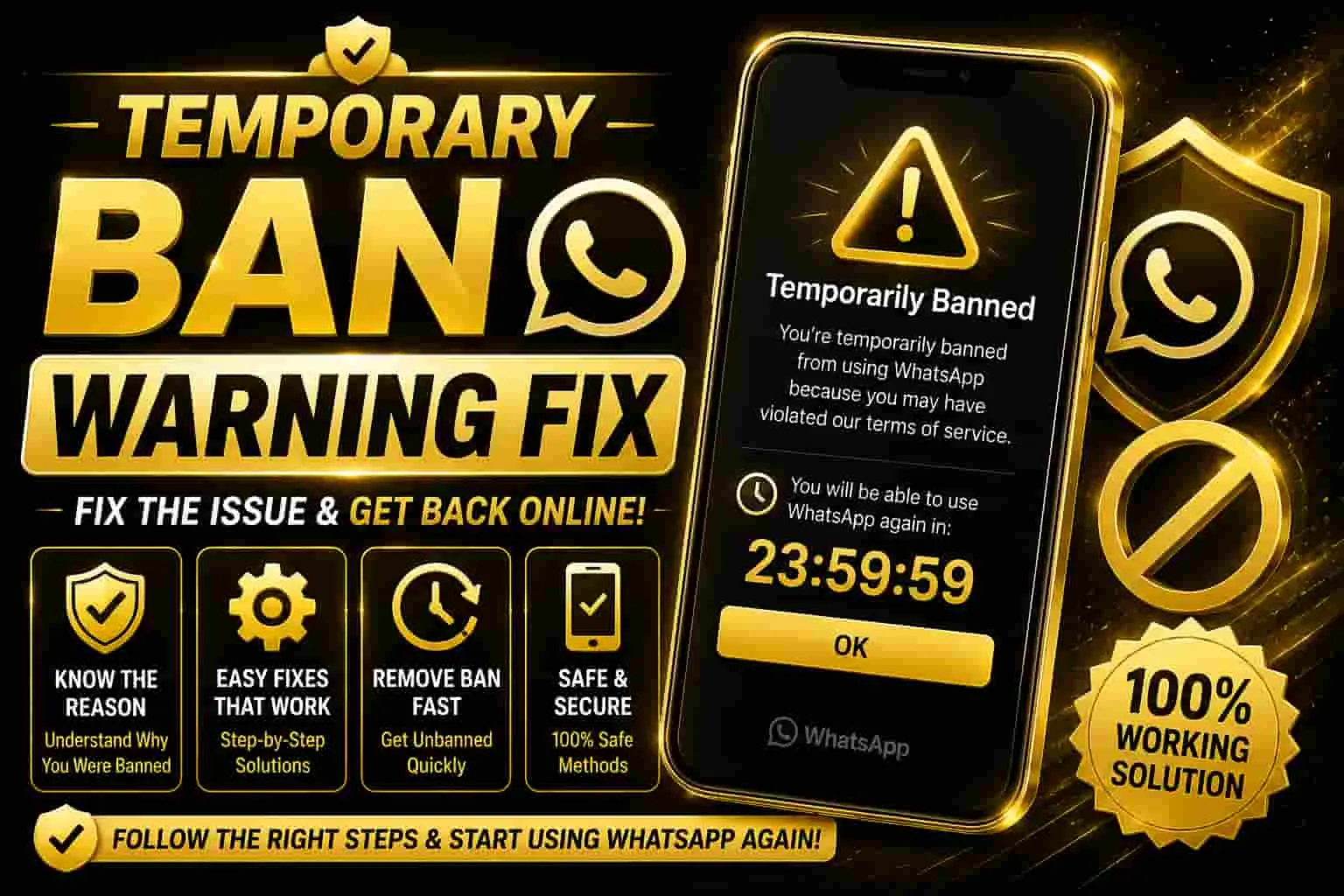
A “Temporary Ban” warning means your account has been flagged for unusual activity or a terms-of-service violation, and access has been restricted for a set period — usually shown as a countdown. It’s a caution step before a permanent ban, so there may still be time to address the underlying issue.
New to modded WhatsApp apps? Visit our Home page to explore Golden WhatsApp and related resources.
2. Common Causes
- Sending too many messages too quickly.
- Using an outdated or unofficial version of the app.
- Multiple reports from other users in a short time.
- Repeatedly logging in and out or using unauthorized third-party tools.
- Broadcasting the same message to many unsaved contacts.
3. How Long Does It Last?
| Ban Stage | Typical Duration |
|---|---|
| First warning | A few hours to 1 day |
| Repeated warning | Several days |
| Ignored warning | May lead to stronger restrictions |
4. Step-by-Step Fix
Stop All Activity Immediately
Avoid sending large numbers of messages or using broadcast features while the warning is active.
Check Available Versions
If you need to review previous releases, visit the Old Versions section.
Wait for the Countdown
Allow the displayed restriction period to finish before trying to use the account normally again.
Verify Your Number Again
Once the restriction ends, reopen the app and complete phone-number verification if requested.
Reduce Risky Behavior
Slow down messaging, avoid mass broadcasts to unknown numbers, and communicate mainly with contacts who know you.
5. How to Avoid Getting Banned Again
- Keep your WhatsApp app updated.
- Avoid sending identical messages to large numbers of unsaved contacts.
- Space out messages instead of sending them in rapid bursts.
- Avoid unauthorized automation tools or bots.
- Communicate responsibly and avoid spam-like activity.
Want to compare different WhatsApp versions? Check our Golden WhatsApp vs Aero WhatsApp guide.
Explore More WhatsApp Resources
Explore Golden WhatsApp versions and related guides for different devices.
6. Frequently Asked Questions
Will I lose my chats during a temporary ban?
A temporary restriction normally prevents access for a certain period. Always keep a current backup of important chats and media.
Can reinstalling the app remove the ban faster?
Reinstalling an app does not necessarily remove an account-level restriction. It is better to follow the instructions shown with the warning.
What happens if I get this warning again?
Repeated warnings may indicate continued activity that violates the platform’s rules. Review your usage and avoid spam-like behavior.
Where can I find more guides?
Visit our Blogs section for more WhatsApp-related guides and information.
How can I contact the website?
For questions or website-related inquiries, visit our Contact Us page.