How to Download Status in Golden WhatsApp – Complete Guide
Learn how to save WhatsApp photo and video statuses directly from Golden WhatsApp using the built-in Status Saver feature. No extra apps required.
Quick Answer
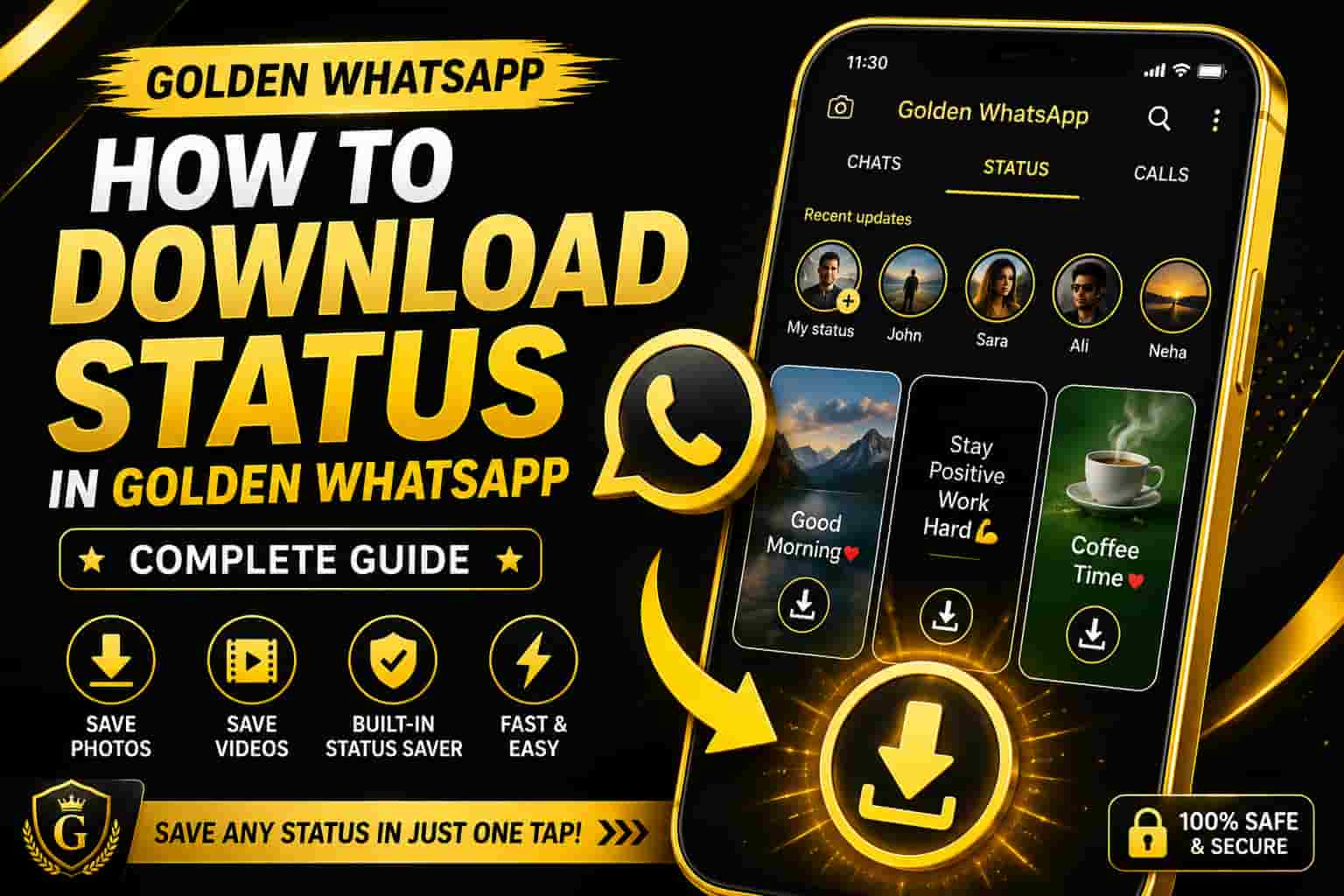
Golden WhatsApp allows users to download photo and video statuses directly through its built-in Status Saver feature. Simply view a status, tap the save button, and the media will be stored on your device. This guide is part of our Gold WhatsApp Guides series.
Table of Contents
What Is WhatsApp Status?
WhatsApp Status is a temporary sharing feature that allows users to post photos, videos, text updates, and links that disappear after 24 hours.
Millions of people use status updates daily to share personal moments, business promotions, educational content, and entertainment media.
What Is Status Saver?
Status Saver is one of the most popular Golden WhatsApp features. It allows users to save status media directly without installing third-party applications.
Whether it is a photo, video, quote, wallpaper, or business promotion, Status Saver helps preserve content before it disappears.
Benefits of Downloading Status
- Save important memories.
- Keep educational content.
- Store business promotions.
- Access media after 24 hours.
- Build a personal media collection.
Why Users Save Status Updates
Users save statuses for many reasons including family memories, inspirational quotes, wallpapers, educational resources, and business marketing content.
Golden WhatsApp simplifies the process by providing a quick and convenient built-in downloader.
How to Download Status in Golden WhatsApp
Downloading statuses in Golden WhatsApp is one of the easiest tasks because the application comes with a built-in Status Saver feature. Unlike the official WhatsApp application, there is no need to install extra software or complicated tools.
Users can save photos, videos, motivational quotes, educational content, business promotions, and memorable moments directly to their devices in just a few taps.
Step-by-Step Guide to Download Status
- Open Golden WhatsApp.
- Navigate to the Status tab.
- Select the photo or video status you want to save.
- View the status completely.
- Tap the Download or Save button.
- Wait for the download process to complete.
- Open Gallery or File Manager.
- Access the downloaded status file.
Most Golden WhatsApp versions provide a dedicated download icon, making the process quick and user-friendly.
How to Download Photo Status
Photo statuses are extremely popular because users frequently share family pictures, wallpapers, inspirational quotes, educational graphics, and business advertisements.
Golden WhatsApp allows users to save these images directly without compromising quality.
- Open the photo status.
- Tap the save icon.
- Wait for the download confirmation.
- Open Gallery to view the image.
The image remains available on your device even after the original status disappears after 24 hours.
How to Download Video Status
Video statuses often contain tutorials, announcements, entertainment clips, motivational content, and business promotions.
Golden WhatsApp makes downloading videos extremely simple.
- Open the desired video status.
- Allow the video to load completely.
- Tap the Download button.
- Wait a few seconds.
- Access the file from Gallery.
This feature helps users keep useful videos even after the status expires.
Where Are Downloaded Status Files Stored?
Many users successfully save statuses but later struggle to locate them.
Downloaded status files are usually stored in:
- Gallery Application
- Downloads Folder
- Status Saver Folder
- Golden WhatsApp Media Folder
- Internal Storage
Using File Manager can help locate downloaded media quickly.
Advanced Status Saver Features
Golden WhatsApp offers more than simple downloading. Advanced versions provide additional media management tools that improve convenience and efficiency.
- One-Tap Downloads
- Original Quality Saving
- Quick Sharing Options
- Built-In Status Management
- Fast Access to Saved Media
- Improved Download Performance
These features, combined with the app’s other privacy tools, make Golden WhatsApp a preferred and safe choice for users who frequently save statuses.
Common Download Problems and Solutions
Download Button Not Showing
This issue usually occurs when the application version is outdated. Updating Golden WhatsApp often resolves the problem.
Status Not Saving
Check your storage permissions and ensure the application has access to device storage.
Downloaded File Missing
Use File Manager and search inside the Status Saver or Downloads folder. If nothing downloaded at all, see our Golden WhatsApp download not starting guide.
Low Storage Space
Free up storage by removing unnecessary files before downloading additional statuses.
Best Practices for Status Downloading
- Keep Golden WhatsApp updated — see the differences between the old and latest version.
- Allow storage permissions.
- Organize saved media into folders.
- Backup important files regularly.
- Delete unnecessary downloads.
- Monitor available storage space.
- Save only useful content.
Following these recommendations helps maintain device performance and improves file management.
Frequently Asked Questions
Can I download status without another app?
Yes. Golden WhatsApp includes a built-in Status Saver feature, so there is no need to install a separate status downloader application.
Can I save both photos and videos?
Yes. Golden WhatsApp allows users to save image statuses as well as video statuses directly to their device.
Where can I find downloaded statuses?
Downloaded files are usually stored inside the Gallery, Downloads folder, or Golden WhatsApp Status Saver folder.
Will status quality decrease?
Most versions of Golden WhatsApp save statuses in their original quality, helping preserve image and video clarity.
Expert Tips for Better Status Saving
Common Mistakes Users Make
- Ignoring storage permissions.
- Using outdated app versions.
- Not checking the Gallery folder.
- Deleting downloaded media accidentally.
- Running low on device storage.
Avoiding these mistakes can improve your overall experience with Golden WhatsApp Status Saver.