Golden WhatsApp Guide
How to Use DND Mode in Golden WhatsApp
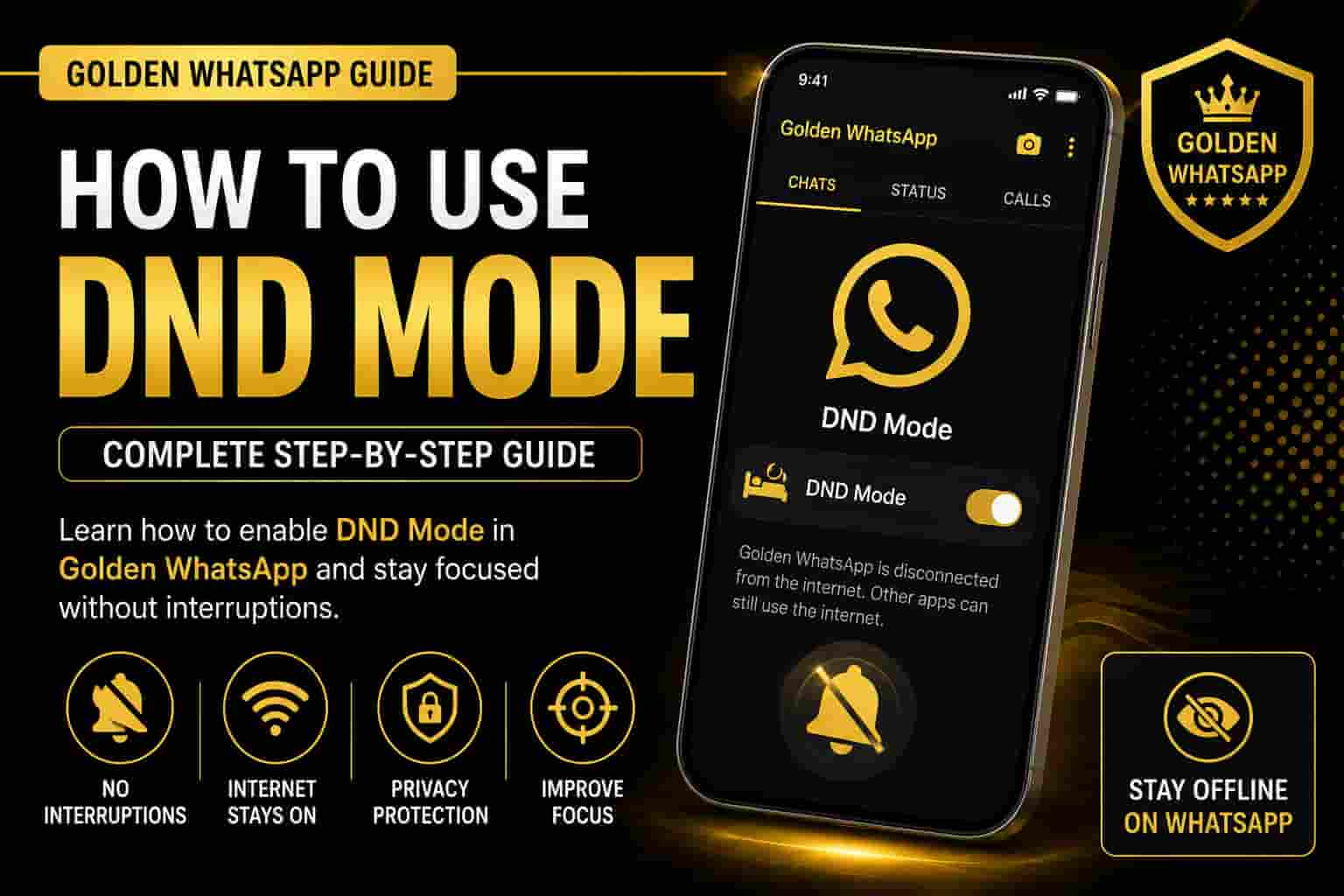
DND (Do Not Disturb) Mode is one of the most useful privacy features available in Golden WhatsApp. It disconnects only Golden WhatsApp from the internet while allowing every other application on your Android device to remain online. Whether you want to focus on work, study, gaming, or simply avoid interruptions, DND Mode gives you complete control over your WhatsApp connectivity.
Table of Contents
Quick Answer
Open Golden WhatsApp, tap the three-dot menu, select DND Mode, and enable it. Once enabled, Golden WhatsApp stops sending and receiving messages while your mobile internet continues working for apps such as YouTube, Chrome, Facebook, Instagram, and Gmail. This feature is included in all latest Golden WhatsApp versions.
What is DND Mode?
DND stands for Do Not Disturb. It is a built-in feature of Golden WhatsApp that temporarily blocks internet access only for the application itself. Unlike Airplane Mode, DND Mode does not disconnect your phone from Wi-Fi or mobile data.
This means you can continue browsing the internet, watching videos, downloading files, or using social media while Golden WhatsApp remains completely offline. It’s one of the most popular Golden WhatsApp advanced features that sets it apart from the standard WhatsApp application.
Many students, professionals, gamers, and business users rely on DND Mode because it helps them avoid unnecessary interruptions without uninstalling the app or turning off their internet connection. If you’re experiencing issues with features not working properly, check our Golden WhatsApp troubleshooting guide for help.
Why Use DND Mode? Key Benefits
- Work without message interruptions – Focus completely on professional tasks.
- Study with better concentration – Avoid distracting chat notifications.
- Keep YouTube and Chrome connected – Only WhatsApp goes offline, not your internet.
- Avoid WhatsApp notifications during meetings – Silent mode without Airplane Mode.
- Reduce distractions while gaming – Better gaming performance without message popups.
- Protect your privacy whenever needed – Control when you’re available on WhatsApp.
- Combine with other privacy features – Works alongside chat hiding features for maximum privacy.
How to Enable DND Mode – Step by Step
Enabling DND Mode in Golden WhatsApp takes only a few seconds. This simple process works on all Android devices running recent versions. Follow these steps:
- Open Golden WhatsApp on your Android device.
- Tap the three-dot menu (⋮) in the top-right corner.
- Select DND Mode from the menu options.
- Tap Enable to activate the feature.
- A small DND icon will appear on your home screen confirming activation.
- Golden WhatsApp is now disconnected from the internet while other apps stay online.
To disable DND Mode: Simply repeat the same process and tap the DND icon or menu option again. Your messages will start arriving immediately once you disable DND Mode.
Troubleshooting: If you don’t see DND Mode in your menu, make sure you’re running the latest Golden WhatsApp version from APK.net.pk. If you’re experiencing app issues, see our Golden WhatsApp not working guide or crash troubleshooting article.
Complete Features of DND Mode
- Disconnects only Golden WhatsApp – No effect on other apps or internet.
- Keeps Wi-Fi and Mobile Data active – All other apps continue working normally.
- Stops messages and calls instantly – No notifications or incoming messages while enabled.
- Works with all recent Golden WhatsApp versions – Compatible with the latest APKs from APK.net.pk.
- Protects your privacy – Control your availability completely.
- Improves focus while working or studying – Eliminate chat distractions.
- No need to enable Airplane Mode – Selective connectivity for just WhatsApp.
- Works with other privacy features – Combine with chat hiding and privacy options for enhanced security.
Best Tips for Using DND Mode Effectively
- Enable DND Mode before meetings – Avoid unexpected notifications interrupting you.
- Use it while studying – Maintain focus on important work or exams.
- Turn it on during gaming sessions – Reduce lag and popup distractions.
- Disable it after completing your work – Remember to re-enable so friends can reach you.
- Keep Golden WhatsApp updated – Update to the latest version regularly for best performance.
- Combine with other features – Use alongside sticker customization and chat organization for complete control.
- Use a stable internet connection – Ensure WiFi or mobile data is stable for other apps while DND is enabled.
- Set reminders to disable DND – Don’t forget to turn it back on so you don’t miss important messages.
Frequently Asked Questions About DND Mode
Does DND Mode delete messages?
No. Messages arrive normally after you disable DND Mode. While DND is active, messages are queued on WhatsApp servers and delivered immediately once you turn off DND Mode. Your chat history remains completely intact.
Does DND Mode affect other apps?
No. Only Golden WhatsApp goes offline. Your internet connection remains active for YouTube, Chrome, Facebook, Instagram, Gmail, and all other applications. This is what makes DND Mode so valuable compared to Airplane Mode.
Can I enable DND Mode anytime?
Yes. You can enable or disable DND Mode whenever you want, instantly. There’s no delay or restrictions. Just open the menu and toggle it on or off as needed throughout your day.
Does DND Mode use battery?
No, it actually helps save battery by preventing WhatsApp from using internet and processing messages. Your phone consumes less power when Golden WhatsApp is disconnected.
Is DND Mode the same as Airplane Mode?
No. Airplane Mode disconnects your entire phone from all internet and cellular connectivity. DND Mode disconnects only Golden WhatsApp while keeping your internet and cellular data active for all other apps.
What if I can’t find DND Mode in my menu?
Make sure you’re running the latest Golden WhatsApp version from APK.net.pk. If you’re on an older version, update Golden WhatsApp to the latest available version. If the app isn’t working properly, check our app troubleshooting guide.
Can I use DND Mode with other privacy features?
Yes! DND Mode works perfectly alongside other Golden WhatsApp privacy and customization features. You can use it together with hidden chats, status privacy settings, and other security options.
Related Golden WhatsApp Guides & Features
Explore more features and guides to maximize your Golden WhatsApp experience:
- How to Hide Chats in Golden WhatsApp – Keep sensitive conversations completely private and hidden from view.
- How to Add Stickers and Custom Packs – Customize your chats with fun and unique sticker collections.
- Complete Golden WhatsApp Features Guide – Discover all advanced features and customization options available.
- Golden WhatsApp Keeps Crashing – Troubleshooting – Solve crash and stability issues if they occur.
- Golden WhatsApp Not Working Today – Quick Fixes – Resolve connection and functionality problems.
- Golden WhatsApp vs Aero WhatsApp – Comparison – Compare features and choose the best WhatsApp mod for your needs.
- Download Latest Golden WhatsApp from APK.net.pk – Get the newest version with all features and security updates.
Conclusion: Master DND Mode for Better Productivity
DND Mode is one of the most valuable privacy and productivity features in Golden WhatsApp. It lets you disconnect only WhatsApp while keeping every other application connected to the internet. Whether you are studying, working, traveling, gaming, or simply need uninterrupted time, DND Mode provides a simple and effective solution.
The beauty of this feature is its simplicity and power. In just a few taps, you gain complete control over your WhatsApp availability without affecting your internet connection or other apps. Combined with other Golden WhatsApp privacy features, DND Mode becomes part of a comprehensive privacy toolkit.
For more Golden WhatsApp tutorials, feature guides, troubleshooting articles, and the latest updates, visit APK.net.pk . We regularly publish new guides to help you get the most from Golden WhatsApp.
E-A-V SEO Implementation
Entities: Golden WhatsApp, DND Mode, Do Not Disturb, Privacy Features, Productivity Tools, Focus Mode, Android Apps, WiFi, Mobile Data, Messaging Apps.
Attributes: Connectivity Control, Privacy Protection, Focus Enhancement, Internet Management, Feature Access, Customization, Notifications, Message Delivery, Battery Efficiency, App Performance.
Values: Improved productivity, enhanced privacy, better focus, selective connectivity, distraction-free work, complete control over messaging availability, and seamless integration with other apps.