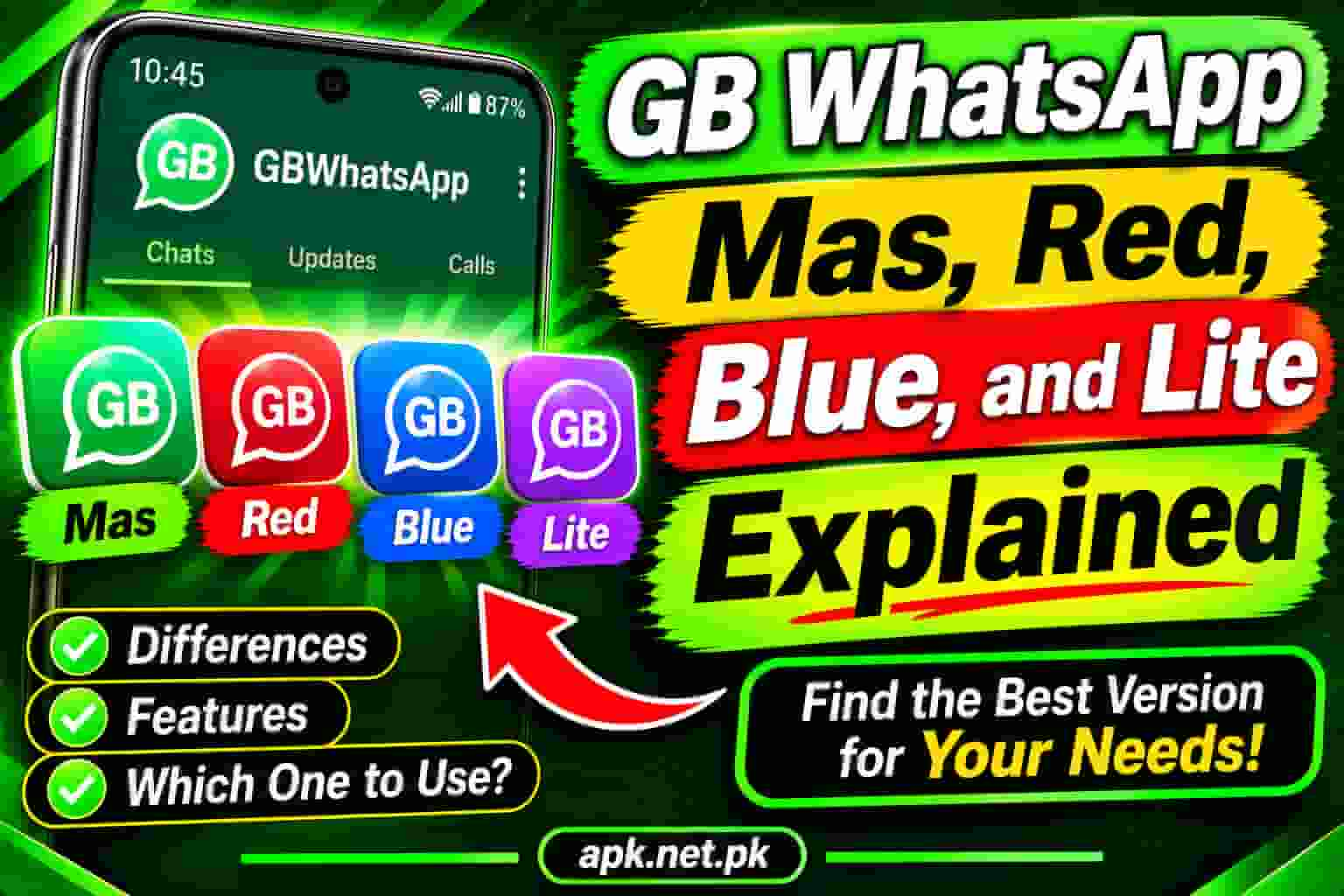
GB WhatsApp Mas, Red,Blue, and Lite Explained
Not every GB WhatsApp is the same app wearing a different coat. Each variant — Mas, Red, Blue, and Lite — was built by a different developer, targets a different type of user, and behaves differently on your phone. If you have ever downloaded one thinking it was just GB WhatsApp with a fresh color, this guide is about to change how you see the entire family.
The GB WhatsApp Family: More Than One App
Most people know GB WhatsApp as the go-to WhatsApp mod for Android. What they do not realize is that the name now covers an entire family of independently developed applications. Each branch of that family came to life because someone decided the existing mods were missing something specific — whether that was lighter performance, a bolder look, or a tighter privacy feature set.
Today we break down each variant clearly: what it is, who built it, what makes it different, who it suits best, and what risks come with it. By the end of this page, you will know exactly which one belongs on your phone.
GB WhatsApp Mas: The Most Stable and Complete Variant
The name Mas comes from the Arabic word for diamond, and the variant earns that reputation in the mod community. GB WhatsApp Mas is currently maintained by developer Abu Saleh, who delivers regular, well-structured updates that resolve bugs before most users even notice them.
GBWA Mas uses the package name com.whatsapp — the exact same identifier as official WhatsApp. This means it replaces the original app directly on your device rather than running alongside it. The benefit is a fully native-feeling installation with zero activator requirement. The trade-off is you cannot run both simultaneously on one phone.
Core Features of GB WhatsApp Mas
- Refined anti-ban system — Each update aligns with the latest WhatsApp base version, minimizing detection risk significantly.
- Split Chat and Group screens — A unique layout that separates individual conversations and group chats into two distinct tabs. No other variant offers this by default.
- No GB Activator needed — Older GBWA builds required a secondary activator app to stay functional. Mas removes this dependency completely.
- Full privacy suite — Hide last seen, blue ticks, typing indicator, and recording status individually per contact or globally.
- Auto-reply — Set automated responses for any contact or group without needing WhatsApp Business.
- Message scheduler — Write a message and schedule it for a specific time — still not possible in official WhatsApp.
- DND mode — Block GB WhatsApp from accessing the internet while other apps keep working.
- Anti-revoke — Read messages that the sender deleted before you could see them.
- Theme engine — Thousands of community themes plus a built-in theme editor for custom designs.
- Extended media sharing — Send files, videos, and documents well beyond official WhatsApp limits.
Who Should Use GB WhatsApp Mas?
GBWA Mas is the best pick for users who want the most feature-complete, stable version of GB WhatsApp while keeping the standard look and feel. If you do not need a second account running simultaneously and you value consistent updates with minimal bugs, Mas is the most sensible choice in this entire family.
Because GBWA Mas shares the same package name as official WhatsApp, you must uninstall the official app first. Always back up your chats before making this switch. Skipping the backup means losing your entire chat history.
WhatsApp Red: Bold Identity With Solid Privacy
WhatsApp Red is exactly what the name suggests. The developer Abu Arab (also written Abo3rab) built a WhatsApp mod where everything turns red — chat bubbles, the navigation bar, icons, status elements, and backgrounds. This is the same developer behind Gold WhatsApp, and because they share a common codebase, both mods carry an almost identical feature set. The color identity is essentially what separates them.
Core Features of WhatsApp Red
- Full red interface — Every UI element adopts a vivid red color scheme from the splash screen to the settings panel. This is not partial theming — it is red throughout.
- Dedicated theme store — Beyond the default red, users access a full theme library for switching fonts, icon sets, and color schemes.
- Dual account support — Red uses a different package name from official WhatsApp, so you run both apps side by side on one phone with separate numbers.
- Ghost mode — Go completely invisible online. Last seen, online indicator, and typing status all hidden simultaneously with one toggle.
- Chat data import tool — A built-in migration tool moves your full chat history and media from official WhatsApp without data loss.
- Extended status features — Post status videos longer than the official 30-second cap. Text status character limit is expanded beyond 139 characters.
- Anti-revoke — Deleted messages stay visible on your end.
- Chat lock — Secure individual chats with a PIN or fingerprint.
- Anti-ban protection — Regularly updated mechanisms, though no absolute guarantee exists for any mod.
In raw feature count, standard GB WhatsApp and Red are close to equal. Where they diverge is customization flexibility. GB WhatsApp gives you more fine-grained control over settings and has more active community theme development. Red is built around a tightly defined visual identity — you are buying into the aesthetic first and the features second. File sharing limits in Red are also slightly lower than those in standard GB WhatsApp.
Who Should Use WhatsApp Red?
WhatsApp Red is for users who want a visually distinctive messaging experience alongside solid privacy tools. It also suits anyone who needs two WhatsApp accounts on one phone without buying a second device or using cloning apps, since the separate package name makes parallel installation straightforward.
WhatsApp Blue: Privacy-Forward and Professional
WhatsApp Blue, also known as Blue WhatsApp Plus or Blue WA, is a third-party modified WhatsApp client that wraps a blue-toned interface around a solid core of privacy and productivity tools. Multiple developer teams maintain different builds under this name. The most widely circulated builds come from Abu3rab, WAPlus, and certain Fouad Mods releases.
What sets Blue WhatsApp apart from Red or standard GBWhatsApp is its emphasis on a calm, professional visual identity. The blue tones are designed to reduce eye strain during extended use — a small but thoughtful design decision that regular users genuinely notice over time.
Core Features of WhatsApp Blue
- Blue UI design — A consistent blue scheme applied across the full interface. Some builds offer dark blue variants for night use.
- Per-contact privacy controls — Hide your blue ticks while still seeing others’ read receipts. Control typing and recording indicators individually per contact rather than globally. This level of granularity is Blue’s standout advantage.
- Large file sharing — Send files up to 100 MB or more depending on the build.
- Extensive customization — Font styles, chat bubble shapes, icon packs, wallpaper options, and interface layout adjustments from one settings panel.
- Dual account support — Blue uses a separate package name and coexists with official WhatsApp or other mod versions.
- Productivity tools — Auto-reply, message scheduler, broadcast without save, and direct message to unsaved numbers.
- Anti-revoke messages — Deleted messages stay visible in your thread.
- Anti-ban protection — Active in all major Blue builds with regular updates.
- Group management tools — Enhanced controls for group admins including bulk broadcast, member management shortcuts, and notification filtering.
- Chat backup and restore — Full compatibility with existing WhatsApp backup files.
Who Should Use WhatsApp Blue?
WhatsApp Blue suits users who want a visually clean alternative to the standard green interface, need robust per-contact privacy controls, and use WhatsApp for a mix of personal and semi-professional communication. The calmer blue design makes it particularly popular with users who spend long stretches of the day inside the app.
If you already know how to install GB WhatsApp, installing Blue WhatsApp follows the exact same steps. Enable unknown sources, download from a verified source, and install directly.
GB WhatsApp Lite: Full Features at Half the Weight
GB WhatsApp Lite is the solution to a problem millions of Android users face. They want GB WhatsApp features, but their phone cannot handle the full version. Whether the issue is limited RAM, tight storage, or a battery that drains under heavy app loads, GB WhatsApp Lite addresses all three at once.
The Lite version comes in at roughly 36 to 76 MB depending on the specific build, compared to 76 to 85 MB for the standard version. That size difference translates into real performance gains on lower-end hardware. The app uses less RAM, generates less heat during extended sessions, and draws measurably less from the battery.
What Gets Kept in GB WhatsApp Lite?
The Lite version does not strip out the features that actually matter. Developers removed background processes and assets that do not affect core functionality — extra animation layers, rarely used interface elements, and pre-loaded resources the full app bundles by default.
- Blue tick and last seen control — The two most used privacy features are fully intact.
- Anti-revoke messages — Read deleted messages without any restriction.
- File sending up to 1 GB — A surprisingly generous capability for such a compact build, far beyond the official app’s limit.
- Unlimited broadcast — Send the same message to as many contacts as you need. The official app caps this at five contacts per broadcast.
- Theme support — Not as extensive as the full version, but theme application and basic customization work without issue.
- Status control — View statuses without notifying the poster and download status photos and videos directly.
- Chat lock — PIN and fingerprint protection for individual conversations.
- DND mode — Disconnect GB WhatsApp Lite from the internet independently of other apps.
The complete feature set with deep customization, an extensive theme library, and maximum file sharing limits for high-end devices.
Download GB WhatsAppAll the essential GB features in a compact package built specifically for phones with limited RAM, storage, or battery life.
Explore All VersionsWho Should Use GB WhatsApp Lite?
GB WhatsApp Lite is the right choice for anyone running an Android device with 2 GB of RAM or less, a phone with under 32 GB of internal storage, or any device that gets warm during extended WhatsApp sessions. For a full breakdown of what the standard version offers, our GB WhatsApp features guide covers every available toggle in detail.
Full Comparison: Mas vs Red vs Blue vs Lite
Here is how every variant stacks up across every dimension that matters for daily use. Use this table to make your final decision.
| Feature | GB WhatsApp Mas | WhatsApp Red | WhatsApp Blue | GB WhatsApp Lite |
|---|---|---|---|---|
| Developer | Abu Saleh | Abu Arab (Abo3rab) | Abu3rab / WAPlus / Fouad | AlexMods (community) |
| Color Identity | Standard teal/green | Full red UI | Full blue UI | Standard GB |
| Package Name | com.whatsapp | Separate (dual-install) | Separate (dual-install) | Varies by build |
| Run with Official WA | No | Yes | Yes | Varies |
| APK File Size | ~81 MB | ~51 to 80 MB | ~76 MB | ~36 to 76 MB |
| RAM Usage | Moderate | Moderate | Moderate | Low |
| Battery Impact | Moderate | Moderate | Moderate | Low |
| Hide Blue Ticks | Yes | Yes | Yes (per contact) | Yes |
| Hide Last Seen | Yes | Yes | Yes | Yes |
| Ghost Mode | Yes | Yes (prominent toggle) | Yes | Partial |
| Anti-Revoke | Yes | Yes | Yes | Yes |
| Auto-Reply | Yes | Yes | Yes | Basic |
| Message Scheduler | Yes | Limited | Yes | No |
| DND Mode | Yes | Yes | Yes | Yes |
| Theme Library | Extensive | Red-focused + extras | Blue-focused + extras | Basic |
| File Send Limit | Up to 1 GB | Moderate increase | 100 MB+ | Up to 1 GB |
| Chat Lock | Yes | Yes | Yes | Yes |
| Chat Migration Tool | Yes | Yes | Yes | Yes |
| Split Chat/Group View | Yes (unique) | No | No | No |
| No Activator Needed | Yes | Yes | Yes | Yes |
| Best For | Feature depth + stability | Bold visual identity | Privacy + productivity | Low-end devices |
Which Version Is Right for You?
Every variant in this family shares roughly 80 percent of the same DNA. Where they differ is in the remaining 20 percent — and that 20 percent is exactly what should drive your decision.
- Pick GB WhatsApp Mas if you want the most complete, well-maintained, and regularly updated GB WhatsApp experience with standard teal visuals. It is the closest to what the original GBWA team built, now carried forward by Abu Saleh with consistent updates and a clean anti-ban track record.
- Pick WhatsApp Red if visual personality matters to you and you need to run two WhatsApp numbers side by side on one phone. The red interface is striking, the dual-install capability is genuine, and the feature set is fully competitive with standard GB WhatsApp.
- Pick WhatsApp Blue if your primary concerns are privacy depth, productivity tools like scheduled messages and auto-reply, and a clean professional look. The blue interface is calmer for extended daily use and the per-contact privacy controls are more granular than most other variants.
- Pick GB WhatsApp Lite if your phone has 2 GB of RAM or less, limited storage, or a battery that struggles under heavy app loads. You keep every feature that matters day to day and lose only the deep customization extras that most users never touch.
Ask yourself two questions. First: does your phone feel slow or hot when WhatsApp is open? If yes, go Lite. Second: do you need two WhatsApp accounts on one phone? If yes, avoid Mas and choose Red or Blue instead. If neither applies, Mas gives you the most polished overall experience.
Running into issues after switching? Our GB WhatsApp not working guide covers the most common problems variant switches cause and how to fix them fast.
Risks Every User Must Understand Before Installing
This section is not here to scare you away from modded apps. It is here because understanding the risks is the only way to manage them intelligently. Every variant covered on this page — Mas, Red, Blue, and Lite — carries the following shared risks.
Account Ban Risk
WhatsApp actively detects modified clients and can ban accounts that use them. The ban can be temporary (usually 24 to 72 hours) or permanent. All mod variants include anti-ban measures, but no anti-ban system is foolproof. Mas currently has one of the more reliable anti-ban records among active users. For a detailed breakdown of how bans are triggered and how to reduce your exposure, our GB WhatsApp anti-ban guide goes deep on this topic.
No End-to-End Encryption Verification
Official WhatsApp uses the Signal Protocol for end-to-end encryption, and Meta verifies this independently. With any mod, you are trusting a third-party developer not to tamper with that encryption layer. Most reputable mod developers do not interfere with encryption, but independent verification is not available to end users.
No Google Play Protect Scanning
These apps are not on the Google Play Store. That means Google Play Protect does not automatically scan them. Download only from developers’ official channels or trusted community sources. Never download from random websites that repackage these APKs with added payloads.
Update Lag After Official Patches
When Meta patches a security vulnerability in official WhatsApp, that patch only reaches you on a mod when the mod developer releases a new build. Sometimes that delay is a few days. Sometimes it is weeks. This is a real exposure window that official WhatsApp users do not face.
Terms of Service Violation
Using any WhatsApp mod violates Meta’s Terms of Service. This does not create legal liability for ordinary users in most jurisdictions, but it does mean Meta can ban your account without recourse. If you are using WhatsApp for critical business communication, factor this in carefully.
1. Always back up your chats before installing or updating any mod variant. Our backup and restore guide shows you exactly how. 2. Only download APKs from the developer’s official site or verified community sources. 3. Keep your installed version updated. An outdated mod is significantly more ban-vulnerable than a current one.
Frequently Asked Questions
What is GB WhatsApp Mas?
GB WhatsApp Mas (GBWA Mas) is a variant of GB WhatsApp maintained by developer Abu Saleh. It uses the standard com.whatsapp package name, which replaces the official app directly. It is known for its clean anti-ban system, no activator requirement, and a unique split Chat and Group tab layout that no other variant offers.
What is WhatsApp Red and who made it?
WhatsApp Red is a modified version of WhatsApp built by independent developer Abu Arab (Abo3rab). Its most noticeable feature is a full red color theme across the entire interface. It also offers ghost mode, expanded status limits, dual-account support via a separate package name, and a built-in chat migration tool for switching from official WhatsApp.
What is WhatsApp Blue?
WhatsApp Blue is a third-party modified WhatsApp client developed by Abu3rab, WAPlus, and Fouad Mods depending on the specific build. It uses a blue-toned interface and focuses on per-contact privacy controls, large file sharing, message scheduling, and a calm visual design that reduces eye strain during long sessions.
What is GB WhatsApp Lite?
GB WhatsApp Lite is a lightweight build of GBWhatsApp designed for older Android devices. It is 36 to 76 MB in size, uses less RAM and battery power, and keeps core features like anti-revoke messages, blue tick control, and file sending up to 1 GB fully intact.
Which GB WhatsApp version is best for me?
Choose Mas for maximum features and stability. Choose Lite if your phone has limited RAM or storage. Choose Red or Blue if you want a distinctive color theme and need to run two WhatsApp accounts simultaneously on one phone. All versions carry the same general risks: account ban possibility and no official Meta support.
Can I run GB WhatsApp Mas alongside official WhatsApp?
No. GBWA Mas uses the same com.whatsapp package name as official WhatsApp, so both cannot run together on one device. If you need dual WhatsApp accounts simultaneously, choose Red or Blue instead — both use separate package names and support parallel installation.
Is GB WhatsApp Lite safe?
GB WhatsApp Lite carries the same risks as any WhatsApp mod. It is not on the Play Store, is not developed by Meta, and can lead to account bans. Download from trusted sources only and always back up your chats before installing. Our GB WhatsApp safety guide covers this in full detail.
Does WhatsApp Red support two accounts on one device?
Yes. WhatsApp Red uses a different package name from official WhatsApp so you can run both apps simultaneously on one Android device with separate phone numbers. This is one of the main reasons users choose Red over Mas.
What is the file size difference between GB WhatsApp and GB WhatsApp Lite?
Standard GB WhatsApp is 76 to 85 MB. GB WhatsApp Lite is 36 to 76 MB depending on the build. Lite also uses notably less device RAM and battery power during active use, making a real difference on lower-end hardware.
Can I switch from Red or Blue back to official WhatsApp without losing chats?
Yes. Both Red and Blue include built-in chat migration tools. Create a full backup inside the mod before uninstalling it, then restore it after reinstalling official WhatsApp. For step-by-step instructions, see our backup and restore guide.
Final Verdict
GB WhatsApp Mas, Red, Blue, and Lite are four distinct products built on the same WhatsApp foundation, each shaped by a different developer vision and a different user need. Mas is the workhorse. Red is the showpiece. Blue is the professional tool. Lite is the solution for everyone working with hardware constraints.
The right one is not necessarily the most popular one — it is the one that matches your device, your privacy priorities, and how you actually use WhatsApp every single day. Make that decision with clarity, then download the latest safe and updated version from the GB WhatsApp download page.