
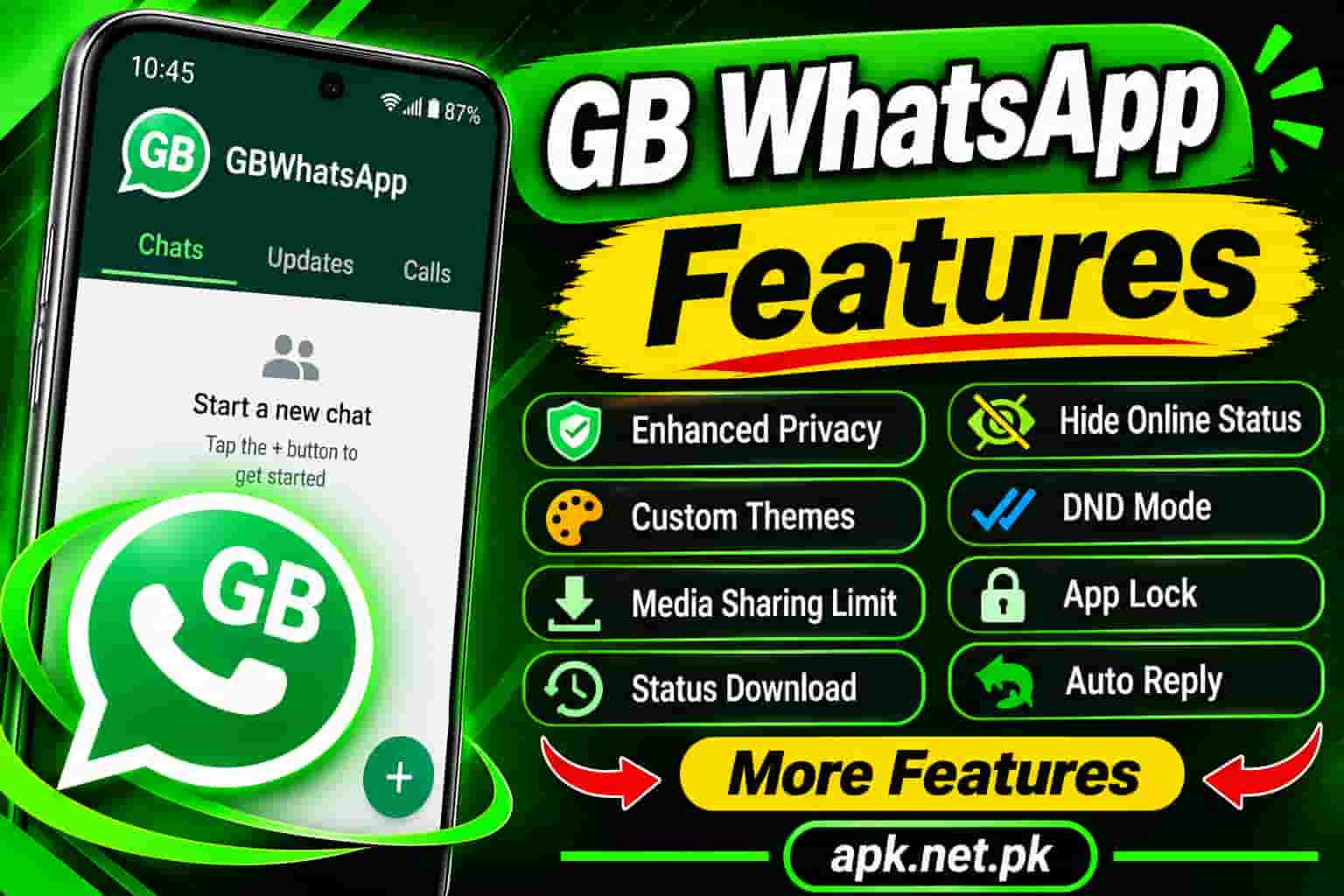
GB WhatsApp Features
People install GB WhatsApp for one reason. They want features the official app does not give them. Some of those features are genuinely useful, such as auto reply, anti delete, and a message scheduler. Others sound better in ads than they work in real life. This guide covers all 17 features, explains how each one works, and tells you where the official app has already caught up.
Need the app itself first? Visit our GB WhatsApp APK download page, then return here to explore what it can do.
What is GB WhatsApp, and why do people use it?
GB WhatsApp is a modified copy of the official WhatsApp app for Android. Third party developers build it, so it is not on Google Play. It uses your phone number just like the original, and it adds extra menus for privacy, style, and messaging.
That last point matters. WhatsApp says unsupported apps such as GB WhatsApp are altered versions that break its Terms of Service, and it cannot validate their security practices. We will return to that risk later. First, let us look at the features.
Privacy features
Privacy is the biggest reason people switch. Most of these tools sit under GB Settings, then Privacy and Security. Our guide to the first 10 GB WhatsApp settings to change shows exactly where to tap.
1. Hide blue ticks and the second tick
You can read a message without telling the sender. The app can also hide the second tick, so people cannot see that their message reached your phone. Like the official read receipts switch, hiding blue ticks also hides other people’s blue ticks from you.
2. Hide typing and recording status
Normally, your contact sees “typing” or “recording audio” while you write. GB WhatsApp lets you turn both off. The official app has no matching switch, so this remains a real difference.
3. Freeze last seen and control your online status
Freeze last seen keeps an old timestamp on your profile, even while you chat. Other options hide your online status or keep you appearing online. The official app now lets you limit who sees your online status, but it does not freeze the timestamp.
4. View statuses without being noticed
A hide view status option lets you watch a contact’s status without adding your name to their viewer list. It works well for curious moments. Use it politely, though, because people share statuses expecting some feedback.
5. App lock and hidden chats
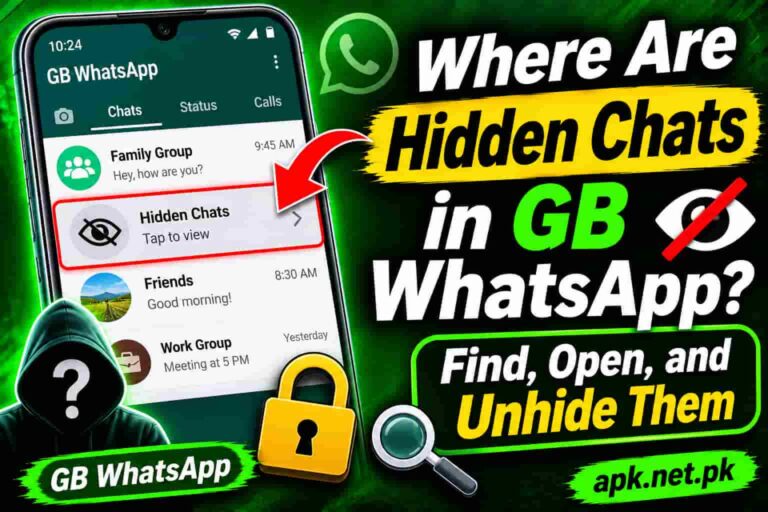
You can lock the whole app with a PIN, pattern, or fingerprint. You can also hide single chats from your main list. Our page on hidden chats in GB WhatsApp explains the process in detail. Note that the official app now offers its own chat lock, so this one no longer sets GB apart.
Messaging tools
These features save time, especially for people who message a lot for work.
6. Anti Delete for messages and statuses
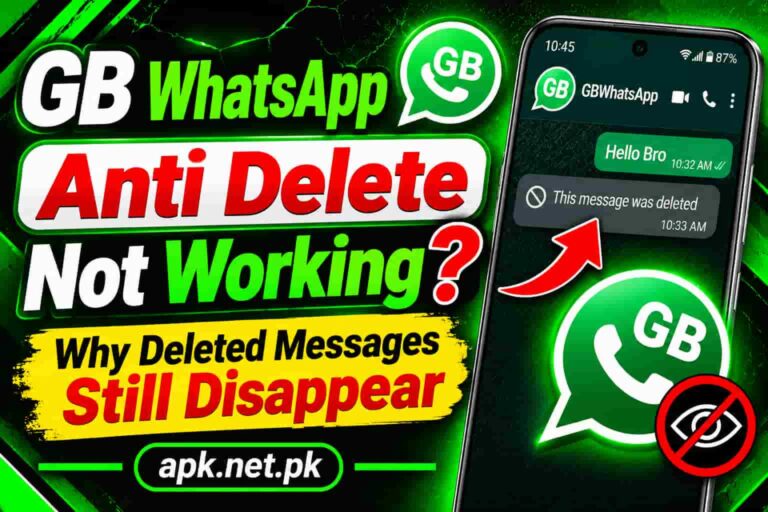
When someone deletes a message for everyone, Anti Delete keeps the text on your phone. It can protect statuses too. However, it only works on messages your phone already received. If the app was frozen or offline, the sender’s delete can still win.
7. Auto reply
Auto reply sends a ready made answer when you are busy. You can choose contacts or groups and set your own wording. The official WhatsApp Messenger has no such tool. Only the separate WhatsApp Business app offers automated replies, so small sellers like this feature.
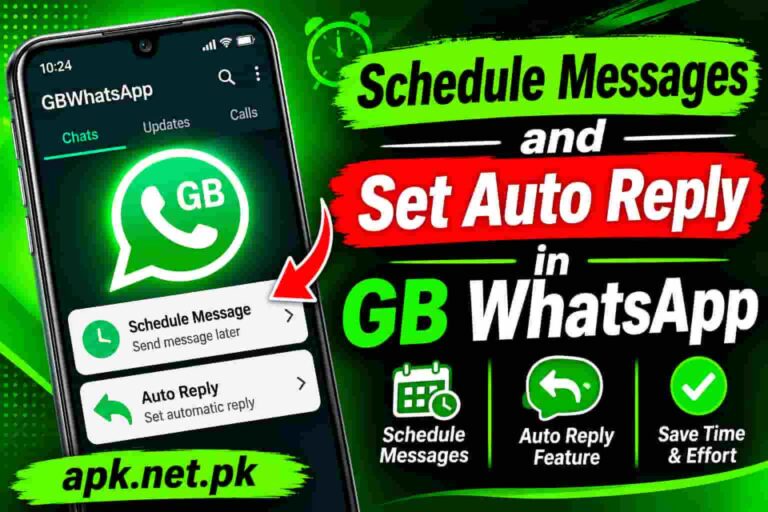
8. Message scheduler
Write a message now and set a date and time for it to send. It suits birthday wishes, reminders, and shop offers. Here is a useful update. Reports from WABetaInfo say WhatsApp is building scheduled messages into the official app. That would remove one more reason to use a mod.
9. DND mode
Do Not Disturb mode cuts GB WhatsApp off from the internet, while your other apps stay online. You can game, stream, or work without chat alerts. Turn it off when you want to receive messages again.
10. Message a number without saving it
A direct message option lets you open a chat with any phone number. You do not need to add a contact first. This helps with delivery riders, sellers, and one time buyers.
11. Larger forward and broadcast limits
The official app restricts how widely you can forward a message. GB WhatsApp raises those limits. Sites quote very different figures, from 250 to 600 recipients, so treat any exact number with care. Also note that bulk messaging is a common reason WhatsApp flags accounts.
Media and status features
12. Send more images in one go
The official app has long capped a single send at about 30 photos or videos. Websites claim GB WhatsApp raises that to 90 or even 100. The exact number depends on the version, so test it yourself before you promise someone a bulk upload.
13. Send larger videos and full quality images
GB WhatsApp builds usually allow bigger video files and let you send images without heavy compression. Claims range from 50 MB up to 700 MB, which tells you the figure is not fixed. Here is something competitors rarely say. The official app already sends documents up to 2 GB. So if file size is your only problem, sending the video as a document may solve it without a mod.
14. Download statuses
A status downloader saves photos and videos from contacts’ statuses to your phone. Official WhatsApp has no such button. Ask permission before you save or share someone else’s content.
Customization features
15. Themes
GB WhatsApp includes a theme store with a large library of free themes. You can switch to dark, light, or colorful looks in seconds. Official WhatsApp only offers wallpapers and limited chat themes, and reports say it is testing more in beta.
16. Fonts, chat bubbles, icons, and tick styles
You can change fonts, bubble shapes, notification icons, header colors, and even the launcher icon. It feels like a personal phone skin for one app. Light themes also run faster on older phones, so avoid heavy designs if your phone lags.
Account features
17. Run two WhatsApp accounts on one phone
GB WhatsApp installs as a separate app, so you can run it beside the official WhatsApp with a second phone number. One number stays active in one app at a time. This feature suits people who keep work and personal chats apart. WhatsApp has also started rolling out multiple account support inside the official app on many Android phones, so check that option first.
GB WhatsApp vs official WhatsApp: what is really different in 2026
The official app has improved a lot. Here is an honest side by side comparison.
| Feature | GB WhatsApp | Official WhatsApp | Real advantage |
|---|---|---|---|
| Hide blue ticks | Yes, plus second tick | Yes, read receipts switch | Small |
| Hide typing and recording | Yes | No | GB |
| Freeze last seen | Yes | No, but you can limit viewers | GB |
| Anti Delete | Yes | No | GB |
| Auto reply | Yes | Business app only | GB |
| Message scheduler | Yes | Reported in testing | GB for now |
| Chat lock | Yes | Yes | None |
| Themes | Large library | Limited, more in beta | GB |
| Two accounts | Yes | Rolling out | Small |
| DND mode | Yes | No | GB |
| Security support | None from WhatsApp | Full support | Official |
Claims to ignore when you read other GB WhatsApp pages
- “100 percent ban proof.” No build can promise this. Read our GB WhatsApp anti ban guide for the honest picture.
- “Unlimited everything.” Servers and your phone still set limits. Numbers differ by version.
- “Official version.” No official GB WhatsApp exists. WhatsApp does not publish or support it.
- “Works on iPhone like Android.” The mod targets Android. Be careful with iPhone claims.
- “Safe because it is popular.” Popularity does not equal security. Attackers also copy popular names.
The risks that come with these features
More features also mean more code you must trust. Security firm Kaspersky found the Triada trojan inside the FMWhatsApp mod, and The Hacker News covered the case. A later Kaspersky report found a spyware module called CanesSpy inside other WhatsApp mods. Those are different apps, but the lesson applies to every mod.
WhatsApp also warns that users of unsupported apps can face a temporary ban. Check the WhatsApp Help Center for official steps if that happens.
Which features matter for you?
- Small business owners: auto reply, scheduler, and dual accounts save the most time.
- Privacy minded users: hide typing, freeze last seen, and app lock give the biggest gains.
- Students and gamers: DND mode and light themes keep distractions low.
- People with two numbers: dual accounts and per contact settings work best.
- Everyone else: the official app may already cover your needs, with full support and security updates.
Frequently asked questions
What are the main features of GB WhatsApp?
The main features are hide blue ticks, hide typing, freeze last seen, Anti Delete, auto reply, message scheduler, DND mode, status download, themes, and dual accounts. Exact options depend on the version you install.
Is GB WhatsApp free?
Yes, the app is free to download and use. However, WhatsApp does not support it, so you accept extra privacy and ban risks.
What can GB WhatsApp do that WhatsApp cannot?
It can hide typing and recording status, freeze last seen, keep deleted messages, send auto replies, run DND mode, and use many themes. The official app has caught up on chat lock and read receipts.
Does GB WhatsApp have auto reply?
Yes. You can set automatic replies for chosen contacts or groups. The official WhatsApp Messenger does not offer this, but the WhatsApp Business app does.
Can I schedule messages in GB WhatsApp?
Yes, most builds include a message scheduler. You pick a contact, write the text, and set a date and time. Reports say the official app is also testing scheduled messages.
How many images can I send at once in GB WhatsApp?
Many sites claim 90 to 100 images, compared with about 30 in the official app. The limit varies by version, so test it before relying on it.
Does Anti Delete work for every message?
No. It only keeps messages your phone received before the sender deleted them. If the app was frozen or offline, the delete can still remove the message.
Can I use two WhatsApp accounts with GB WhatsApp?
Yes. Install GB WhatsApp beside the official app and register a different phone number in each. One number can stay active in one app at a time.
Is GB WhatsApp safe to use?
It carries real risk. WhatsApp cannot validate its security, and researchers have found malware in other WhatsApp mods. Download only from a trusted source and keep backups.
Can WhatsApp ban me for using GB WhatsApp?
Yes. WhatsApp says unsupported apps violate its Terms of Service and can lead to a temporary ban. Back up your chats and switch to the official app if you see a ban message.
Does GB WhatsApp work on iPhone?
GB WhatsApp is built for Android. Be careful with any iPhone version, because installing from unofficial sources adds more security risk.
2 Comments