Best WhatsApp Mods in Pakistan – Complete Guide 2026
A complete, detailed comparison of the most popular WhatsApp mods in Pakistan — history, features, privacy, installation, anti-ban strength, and which mod is right for you.
📋 Table of Contents
1. What Are WhatsApp Mods?
WhatsApp mods are modified, unofficial versions of the original WhatsApp app created by independent third-party developers. These developers decompile WhatsApp’s original source code and add new features, UI changes, and privacy tools that are not available in Meta’s official app.
These mods are commonly called “MOD APKs” — short for Modified Android Package. They are not available on the Google Play Store. Instead, you download them directly from third-party websites, enable the “Unknown Sources” permission on your phone, and install them manually.
In Pakistan, Golden WhatsApp, GB WhatsApp, FM WhatsApp, YoWhatsApp, OG WhatsApp, and WhatsApp Plus are the most downloaded mods — especially among users who want extra customization, media control, and privacy features that the official app restricts.
Every mod has its own developer team that maintains it independently, which is why update frequency, stability, and feature sets vary from one mod to another. Some mods update monthly while others only refresh when a major WhatsApp update rolls out.
💡 Quick Fact: Mods are not official Meta apps, which is why they are not on the Google Play Store and must be installed as APK files directly. Each mod is maintained by a separate developer team.
2. A Short History of WhatsApp Mods
WhatsApp mods started in the early 2010s, when WhatsApp was just becoming popular and the developer community noticed that the app offered very little room for customization — no themes, limited privacy controls, and strict file size limits.
Early mods like GB WhatsApp introduced basic customization such as chat bubble colors and simple themes. Over time, as user demand grew, mods began adding more advanced features — like hiding online status, selectively disabling read receipts, and increasing file sharing limits.
After 2018, when WhatsApp tightened its policies and started detecting unofficial apps to issue temporary bans, mod developers shifted focus to “anti-ban” technology — reducing the risk of account bans as long as the mod stays updated. This is why “anti-ban” has become a major selling point for any new mod today.
Today, demand for WhatsApp mods is highest in regions like Pakistan, India, Indonesia, and the Middle East, where users want heavy customization and advanced privacy controls beyond what the official app provides.
3. Why Are Mods So Popular in Pakistan?
There are several reasons why WhatsApp mods have become so popular in Pakistan — culture, connectivity, and user expectations all play a role:
- Extra privacy control — The freedom to independently hide your online status, blue ticks, and last seen — which comes in very handy in family and workplace conversations.
- Bigger file sharing limits — The ability to send larger videos and documents than official WhatsApp allows, which is useful for students and business users.
- Custom themes — Thousands of ready-made themes and font options, which are especially popular among younger users.
- Anti-delete messages — The ability to see deleted messages and statuses, which is a major draw for many users.
- Dual account support — Running two WhatsApp accounts on a single phone, essential for people who want to keep their personal and business numbers separate.
- Focus and DND features — DND (Do Not Disturb) Mode cuts WhatsApp’s internet connection while keeping the rest of your phone fully online — great for slow connections and staying focused.
- Word-of-mouth and social trends — Mod usage spreads quickly through friends, family, and social media influencer recommendations.
4. Top 7 WhatsApp Mods — In-Depth Reviews
GB WhatsApp
The oldest and most widely used mod. Known for strong privacy controls, DND (Do Not Disturb) mode, and a highly customizable interface. It gets regular updates but the ban risk is slightly higher if you run an outdated version. Read the full GB WhatsApp vs Golden WhatsApp comparison →
Pros: Huge theme library, ghost mode, message scheduler.
Cons: Can be heavy at times and increases battery drain.
Golden WhatsApp
Popular for its anti-ban strength and clean gold-themed interface. Smooth performance, minimal bugs, and a beginner-friendly setup make it the trending choice among Pakistani users. Pakistan’s #1 WhatsApp mod — download it free here →
Pros: Stable performance, lower battery consumption, easy setup.
Cons: Fewer themes compared to GB WhatsApp.
FM WhatsApp
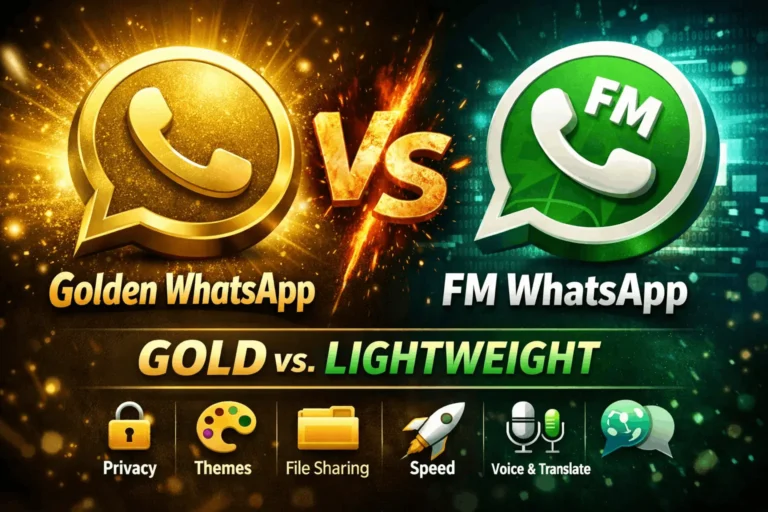
Known for its media quality settings and built-in message translation feature. It offers a lightweight app size and fast performance alongside an in-app language translator — ideal for users who chat with people across different languages. Read the full Golden WhatsApp vs FM WhatsApp comparison →
Pros: In-app translator, low storage usage.
Cons: Update frequency is slightly lower than others.
YoWhatsApp
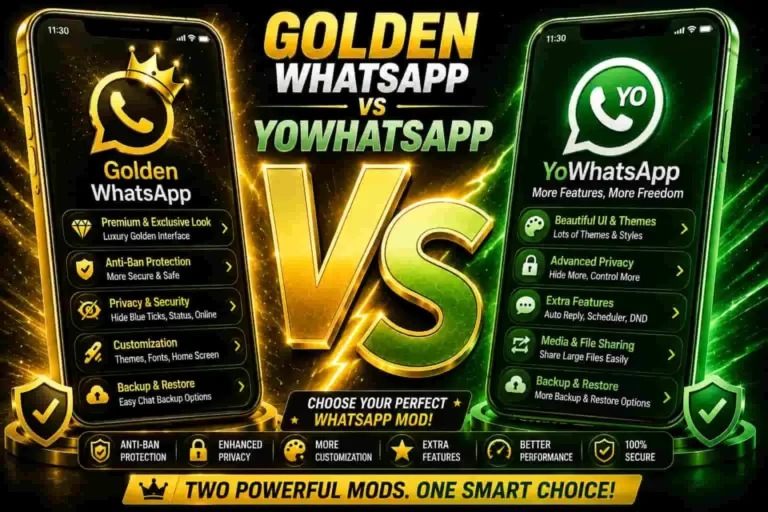
Comes with an advanced theme store and an in-app theme installer. If you love heavy customization, YoWhatsApp is a popular choice — with thousands of built-in themes to pick from.
Pros: Largest theme variety, extensive custom UI options.
Cons: Larger app size, can lag on older devices.
OG WhatsApp
Focuses on simplicity and stability — fewer extra features, but the ones it has work reliably. Best for users who don’t want clutter and just need essential privacy controls that work.
Pros: Very lightweight, crash-free experience.
Cons: Fewer advanced features than other mods.
WhatsApp Plus
Another well-established and trusted mod known for its unique emoji sets and sticker packs. It offers a wide range of font styles and chat bubble shape customizations.
Pros: Unique stickers and emojis, fun customization options.
Cons: Older builds occasionally ship with bugs.
NS WhatsApp
A relatively newer mod that is gaining popularity for its fast performance and minimal permissions. A good option for users who want a fresh, lightweight alternative to the older mods.
Pros: Fast, clean, minimal permissions required.
Cons: Smaller community and support base so far.
5. Full Feature Comparison Table
To see a detailed head-to-head comparison between any of these mods and Golden WhatsApp, visit the Gold WhatsApp Vs. section here.
6. Which Mod Fits Which Type of User?
Every user has different needs, so the answer to “which mod is best” depends entirely on what you prioritize:
- Privacy-conscious users — GB WhatsApp or Golden WhatsApp are the best picks, as both offer granular privacy toggles. For a deep dive into privacy, read our Official WhatsApp vs Mod Privacy guide.
- Design and customization lovers — Try YoWhatsApp or WhatsApp Plus, which offer thousands of themes and sticker packs.
- Students and professionals — FM WhatsApp‘s translator and media control features are very useful.
- Users who want stability with fewer bugs — Go with Golden WhatsApp or OG WhatsApp.
- iPhone users — Golden WhatsApp is not available on iOS, but you can see the best iPhone alternatives here.
- Users who want something new and lightweight — NS WhatsApp is a fresh alternative worth trying.
7. General Installation Overview
The exact installation process varies slightly between mods, but all of them follow the same basic pattern:
Enable Unknown Sources
Go to Settings > Apps > Special Access > Install Unknown Apps and grant permission to your browser.
Download the Latest APK
Always download the latest version from a trusted source. Downloading from apk.net.pk is the safest option to minimize bugs and ban risk.
Backup Your Existing Chats
If you already have a WhatsApp version installed, back up your chats before switching to keep your data safe. If you run into backup problems, our backup restore guide can help.
Install and Verify Your Number
After installing the APK, enter your phone number and verify it, then restore your backup. If your OTP is not arriving, check the OTP not received fix here.
Customize Your Settings
Set up your privacy options, themes, and any mod-specific features according to your preferences.
For the full step-by-step Golden WhatsApp installation guide, read the complete Android installation guide here. Want to use it on a PC? The PC guide is here.
8. Safety, Privacy & Ban Risk
Because mods are not official Meta apps, there are certain risks every user should understand. For a thorough safety and privacy breakdown, read our Official WhatsApp vs Mod Privacy guide.
- Terms of Service violation — Using mods goes against WhatsApp’s official terms, which means your number can be temporarily or permanently banned.
- No official security review — Unlike Play Store apps, mods do not go through Google’s security verification process.
- Source matters — Only download APKs from reputable, well-known sources like apk.net.pk to avoid tampered or fake files.
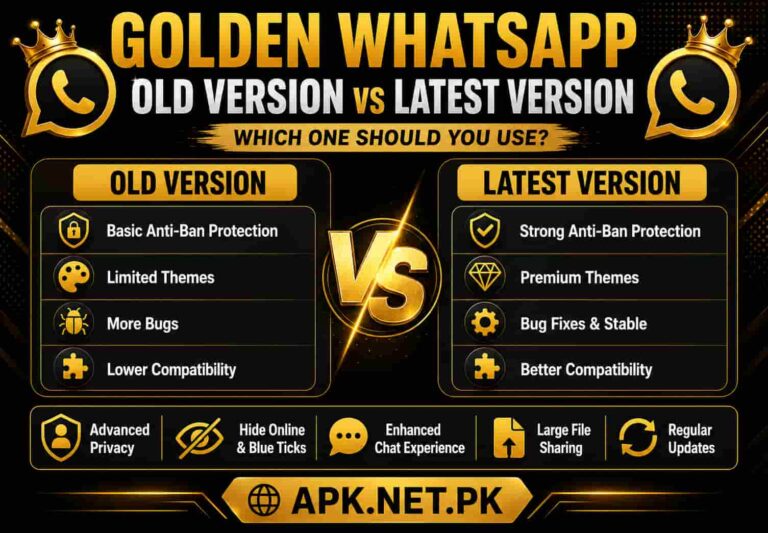
- Avoid old versions — Outdated APKs significantly increase your ban risk. You can see all previous versions on the Old Versions page here — but always prefer the latest release.
- Watch your permissions — If a mod requests permissions unrelated to its functionality, proceed with caution.
- Keep regular backups — Always maintain a chat backup so your data is safe in the event of a ban.
⚠️ Reminder: The safest option is always the official WhatsApp from the Google Play Store. Use mods at your own risk and always keep them updated. If the app stops working, see the Golden WhatsApp not working guide here.
9. Backup & Data Protection Tips
Protecting your data while using a mod is the most important thing you can do. Here are some practical tips:
- Back up your chats regularly to both local storage and the cloud.
- Save important media files separately to a drive or storage app.
- Always create a fresh backup before updating to a new mod version.
- If your backup is not showing up during restore, read the backup restore not showing fix here.
- If your account gets banned, switching back to official WhatsApp is much easier when a backup is available.
10. Mods vs Official WhatsApp
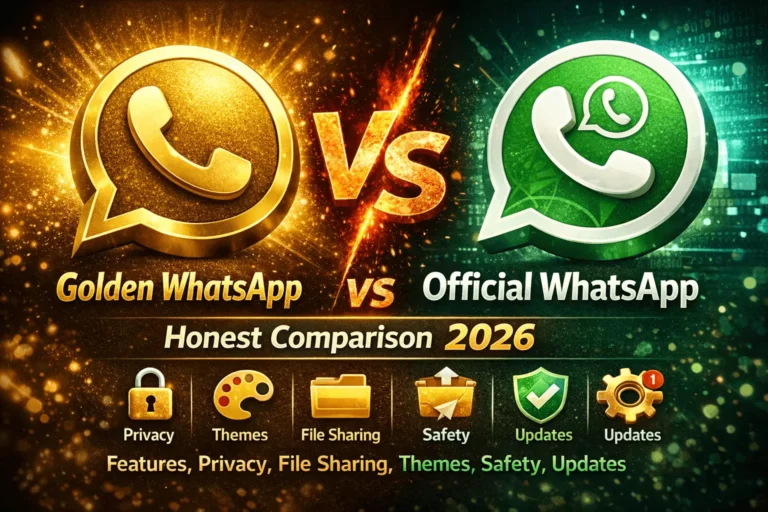
For a full feature-by-feature comparison between Golden WhatsApp and the official app, read the complete Golden WhatsApp vs Official WhatsApp comparison here.
11. Tips Before You Choose a Mod
- Decide your priority first — privacy, customization, or stability — then choose the mod that matches it.
- Before installing any new mod, check the latest version and update date.
- Never skip the chat backup step.
- Only download from trusted, well-reviewed sources.
- Check reviews and community feedback before installing.
- If you get a parse error during installation, see the parse error fix guide here.
- If an update fails, the update failed fix is available here.
- If you want zero ban risk, the official WhatsApp is still the safest choice.
Related Guides
Explore these detailed comparisons to find the right mod for you.
12. Frequently Asked Questions
Q: Which WhatsApp mod is most popular in Pakistan?
Golden WhatsApp and GB WhatsApp are the most popular mods in Pakistan, especially for privacy control and stability. To understand the difference between the two, read the GB WhatsApp vs Golden WhatsApp comparison here.
Q: Is it legal to use WhatsApp mods?
Mods are not illegal in themselves, but they do violate WhatsApp’s official terms of service, which creates the risk of your number being banned. For a deeper look at safety, see the Official WhatsApp vs Mod Privacy guide.
Q: Are mods as safe as the official WhatsApp?
No. Official WhatsApp goes through Google’s security verification, while mods come from third-party sources — so extra caution is required. Always download from a trusted source like apk.net.pk.
Q: Can I run a mod and the official WhatsApp on the same phone?
Yes — most mods use a separate package name so they install and run alongside the official WhatsApp without any conflict. The full process is explained in the Golden WhatsApp Android installation guide.
Q: What should I do if my account gets banned?
If you have a chat backup available, you can reinstall the official WhatsApp and restore from it. If backup restore is not working, find the fix here. Avoid immediately reinstalling the same mod after a ban.
Q: How often do mods get updated?
It depends on the developer team — some mods update monthly, while others only update after major WhatsApp changes. You can see all Golden WhatsApp releases on the Old Versions page here. If an update fails, the update failed guide is available here.
Q: Are WhatsApp mods available for iPhone?
Most mods are built for Android only because iOS’s closed ecosystem makes sideloading very difficult. Read about Golden WhatsApp options for iPhone here, and for the best iOS alternatives, see the full alternatives guide here.
🔧 Common Mod Problems — Quick Fixes
Running into a problem while installing or using a mod? Here are the quick fix links: