
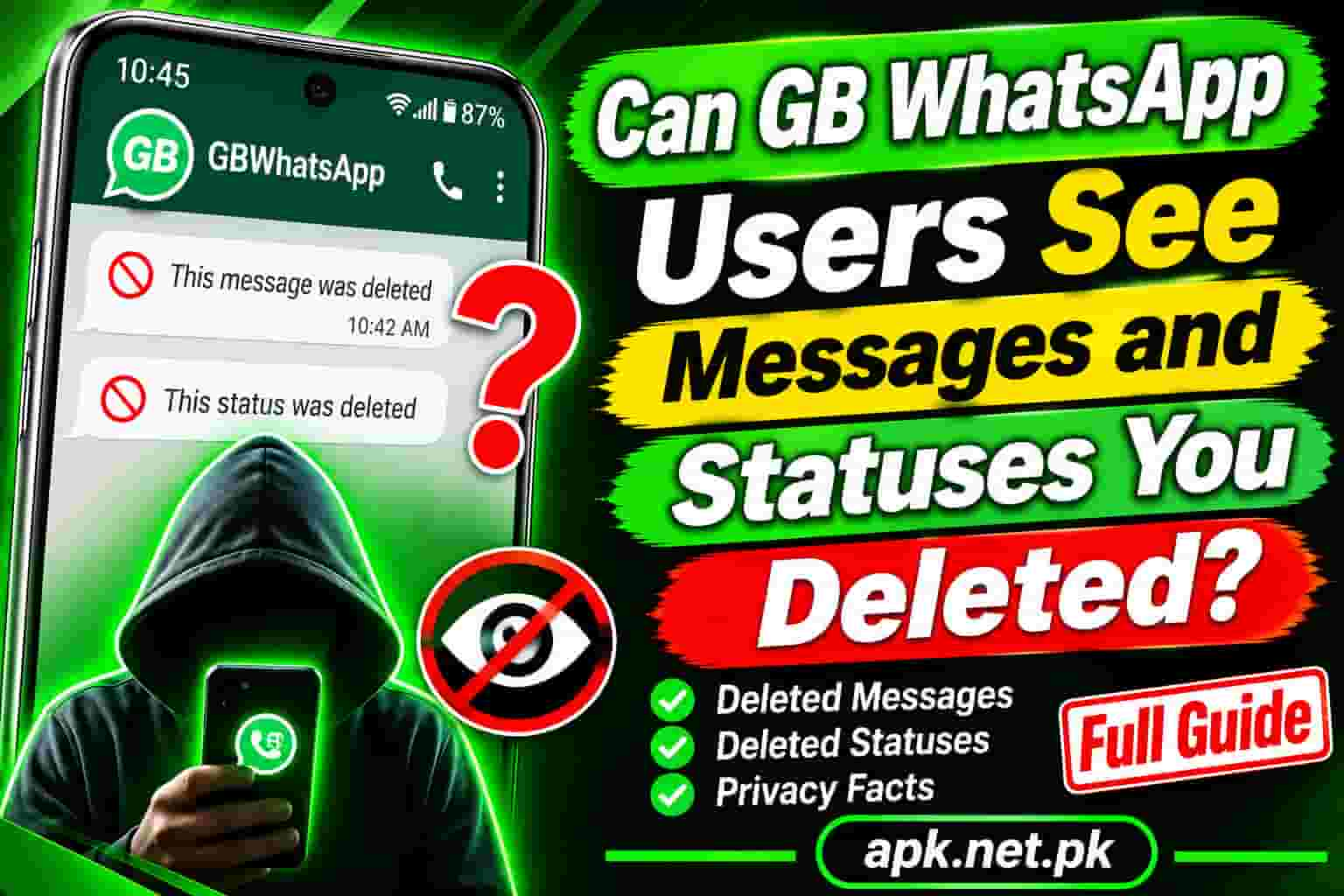
Can GB WhatsApp Users See Messages and Statuses You Deleted?
You sent the wrong message, so you tapped Delete for everyone. Then you remembered that your friend uses GB WhatsApp. Can that friend still read it? The short answer is yes, sometimes. This guide explains when it happens, which messages and statuses survive, and what you can do to protect yourself.
Do you use GB WhatsApp yourself? Our GB WhatsApp APK download page covers the app, and the sections below explain how its Anti Delete tool works.
Short answer: can GB WhatsApp users see deleted messages?
- Messages: Yes, if the GB user turned on Anti Delete and the message had already reached their phone.
- Statuses: Yes, in many cases. GB WhatsApp also has an Anti Delete option for statuses.
- Normal WhatsApp users: Usually no, although screenshots, notification logs, and backups can still keep a copy.
- You cannot tell which of your contacts has Anti Delete switched on.
How Delete for everyone really works
When you tap Delete for everyone, WhatsApp sends a revoke request to the other phone. The official app obeys it and replaces the message with a note that says it was deleted. Recent reports put the time limit at about two days, but WhatsApp can change that with updates.
Two details matter here. First, the request must reach the other phone. If that phone stays offline past the allowed window, the message stays visible. Second, the app on that phone decides what to do with the request. A modified app can simply ignore it.
WhatsApp itself admits the limits. Its Help Center notes that people might see a message before it is deleted, or if the deletion does not succeed.
5 truths about deleted messages and GB WhatsApp
1. Anti Delete keeps what has already arrived
Anti Delete works on the receiving phone. When the revoke request arrives, GB WhatsApp keeps the original text instead of swapping it for the deleted note. So the GB user can still read it.
2. It only works on messages that reached the phone
If the GB user’s phone was offline, frozen, or out of battery, the app may never have saved the message. Then the delete wins. This limit also explains why users complain about GB WhatsApp Anti Delete not working now and then.
3. Delete for everyone fails in other ways too
It also fails when you pass the time window, when the other phone stays offline, or when someone forwards or screenshots the message first. None of these cases needs a mod.
4. Statuses can survive deletion as well
GB WhatsApp offers a similar option for statuses. If your contact already loaded your status, the app may keep a copy even after you remove it.
5. You cannot see or block it
WhatsApp does not show whether a contact uses a mod or has Anti Delete on. So you should assume anything you sent could be kept.
What the other person can still see: a quick table
| Situation | Can they still see it? | Why |
|---|---|---|
| GB user, Anti Delete on | Yes | The app keeps the original and ignores the revoke |
| GB user, Anti Delete off | No | The app follows the delete request |
| Official WhatsApp user | Usually no | The app replaces the message with a deleted note |
| Phone offline too long | Yes | The revoke request never arrived in time |
| You used Delete for me | Yes | It only removes your copy |
| Message already forwarded | Yes | The forwarded copy is a separate message |
| Photo saved to their gallery | Often yes | The saved file lives outside the chat |
| Screenshot taken earlier | Yes | The image is permanent |
Saved media is worth a closer look. Our guide on how to save photos and videos in GB WhatsApp shows where those files land.
What happens when you delete a status?
On normal WhatsApp, a deleted status disappears for everyone, and a status expires on its own after 24 hours. On GB WhatsApp, three things can still leave a copy:
- Anti Delete Status. Reports say this option keeps a status the app already received.
- The built in status downloader. A downloaded photo or video stays in the gallery after you delete the original.
- Hidden status folders. A status cached on the phone may remain until the phone cleans it up.
The takeaway is simple. If you post a status and delete it five minutes later, a contact who watched in that window may still hold a copy. A smaller audience is the safest fix, and the steps below show how.
Other ways a deleted message can survive
These ways work even without GB WhatsApp, so they matter for every chat.
- Android notification history. Security researchers showed years ago that the first part of a deleted message can remain in the Android notification log, as Sophos reported. Android’s own notification history feature keeps recent notifications, and it only helps if the user turned it on before the message arrived.
- Notification reader apps. Some apps log every incoming notification and keep the text.
- Backups. A backup made before you deleted the message may still hold it.
- Screenshots and screen recordings. Nothing stops a person from capturing a chat.
- Forwards and copies. A message that someone forwarded or copied stays in the new place.
7 simple ways to protect yourself
- Pause before you send. Check the chat name and the text. Prevention beats deletion.
- Delete for everyone quickly. A message deleted in seconds has fewer chances to be read, saved, or copied.
- Use disappearing messages in sensitive chats. A timer removes messages automatically on supported apps.
- Use View once for sensitive photos. It reduces copies, though it does not stop a determined person.
- Limit your status audience. Use the privacy options to share with selected contacts only.
- Ask directly. Tell the person you deleted something by mistake and ask them not to share it.
- Choose what you share. Send truly private material only to people you trust, or skip chat altogether.
If you use GB WhatsApp: how Anti Delete works for you
Open GB Settings, then Privacy and Security, and switch on Anti Delete Messages. Switch on Anti Delete Status if you want that too. Labels differ between builds. Our guide to the first 10 GB WhatsApp settings to change shows where to look.
Keep three limits in mind. The feature only saves messages that reached your phone. It may fail if battery savers freeze the app. And it works against the sender’s wishes, so use it with care. A person who deletes a message usually wants it gone, so avoid sharing what you keep.
A short safety note
WhatsApp says unsupported apps such as GB WhatsApp break its Terms of Service, and it cannot validate their security. A ban is possible. Before you rely on any mod feature, read our guide on whether GB WhatsApp is safe.
Frequently asked questions
Can GB WhatsApp users see messages I deleted for everyone?
Yes, if they turned on Anti Delete and the message had already reached their phone. If Anti Delete is off or the message never arrived, they cannot.
Can GB WhatsApp users see my deleted status?
Often yes. GB WhatsApp has an Anti Delete Status option, and a contact who already loaded or downloaded your status may keep a copy.
Will I know if someone read my deleted message?
No. WhatsApp does not tell you whether a contact has Anti Delete on, and it does not report who read a message after you deleted it.
Can I stop GB WhatsApp users from keeping my messages?
No. The choice lives on their phone. You can only lower the risk with fast deletion, disappearing messages, and careful sharing.
How long do I have to delete a message for everyone?
Recent reports put the window at about two days after sending. WhatsApp can change it, so act as quickly as you can.
Does Delete for me hide the message from the other person?
No. Delete for me only removes the message from your own phone. The other person keeps their copy.
Can people read deleted messages on normal WhatsApp?
Usually not inside the app. However, the Android notification log, notification reader apps, backups, and screenshots can still keep a copy.
Can I tell if someone uses GB WhatsApp?
Not reliably. WhatsApp does not label modified apps in chats, so you cannot tell from your side.
Do disappearing messages beat Anti Delete?
Not completely. A timer deletes messages on a schedule, but a modified app can still keep a copy, and a screenshot is always possible.
Why is Anti Delete not working for me in GB WhatsApp?
The message may never have reached your phone, the app may have been frozen by a battery saver, or the build may be outdated. Check the setting, free the app from battery limits, and update.
Is it safe to rely on Anti Delete?
It is a convenience, not a guarantee. WhatsApp does not support GB WhatsApp and can ban accounts that use it, so keep backups and use it with care.

One Comment