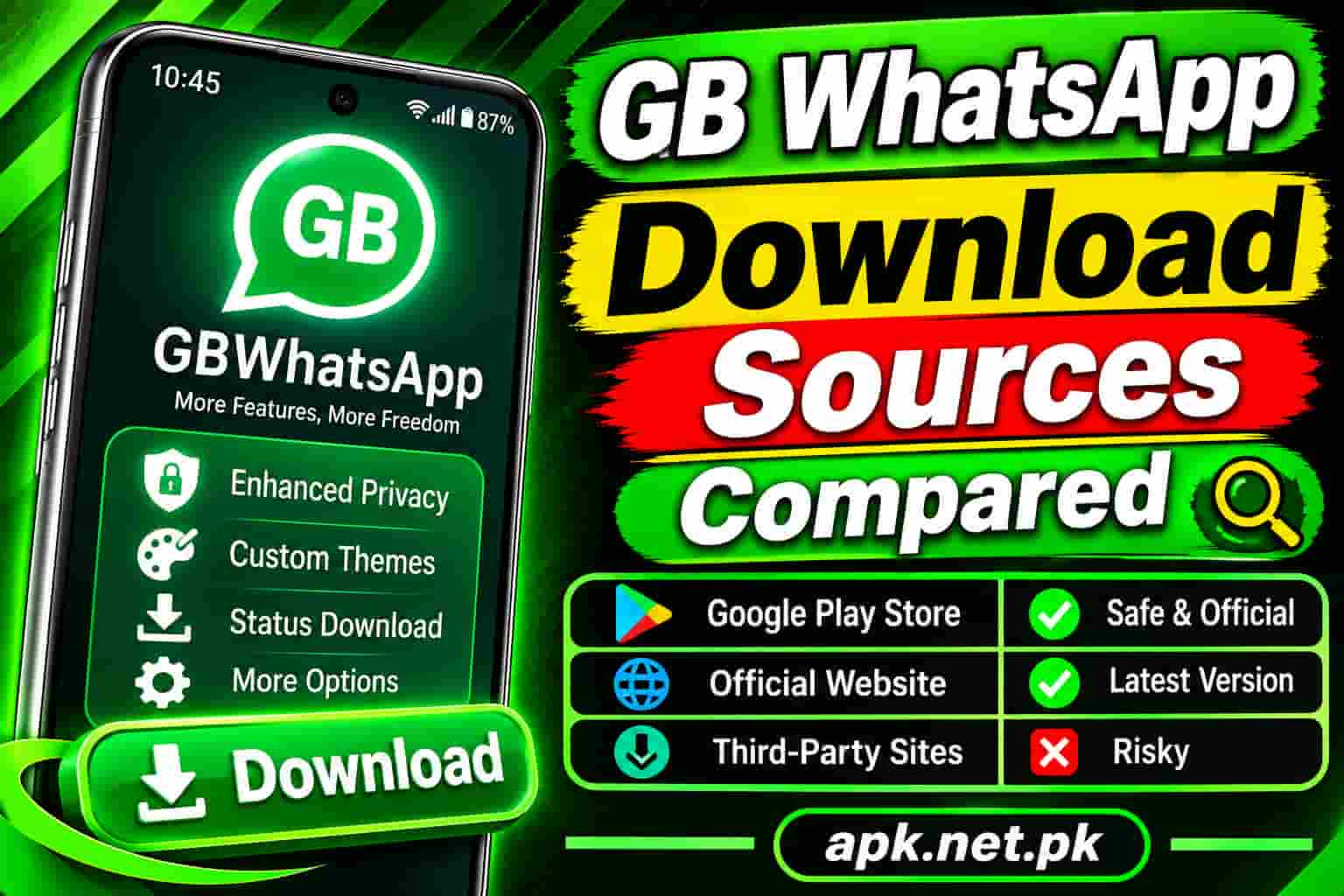
GB WhatsApp Download Sources Compared
Search for “GB WhatsApp download” and you will see dozens of sites that all claim to be the official source. They are not. The app lives outside Google Play, so where you get the file decides how risky the install is. This guide compares seven common download sources, shows what each one really verifies, and gives you a ten point check to run on any file before you tap Install.
One honest note first. No source can make a modified app official, and no source can guarantee safety. Our own GB WhatsApp APK download page is one option among many, so run the same checks on our file that you run on every other.
Quick answer: which source is best?
There is no source you can call safe without checking. Here is the short ranking, from lowest to highest risk:
- A site you have vetted yourself with the ten point check below.
- A large archive such as Uptodown or APKPure, when it lists the app and the file passes your checks.
- A file from a friend, because you cannot trace where it came from.
- Telegram channels and social media links, which carry the highest risk.
Google Play and the Apple App Store do not host GB WhatsApp at all, so any page that claims otherwise is wrong.
Why the download source matters so much
GB WhatsApp is a modified copy of WhatsApp that third party developers build. Anyone can unpack that file, add code, and share it again. The new copy looks identical, so you cannot tell by sight.
This has already happened with other WhatsApp mods. Researchers found a Triada trojan inside a different modified WhatsApp, as The Hacker News reported. Meanwhile, scanner reports have flagged fake GB WhatsApp sites as phishing and malware pages. Our full guide on whether GB WhatsApp is safe covers the wider risks, including bans.
The 7 download sources compared
1. Google Play and the Apple App Store
Neither store hosts GB WhatsApp. A “Play Store link” for it usually leads to a lookalike app or a fake page. Skip it.
2. APKMirror
APKMirror verifies that each upload carries the original developer’s cryptographic signature. It also has a no piracy policy, as its FAQ explains, and independent reviews note that it does not host modded apps. So you should not find a real GB WhatsApp file there. Any page that says “GB WhatsApp on APKMirror” deserves suspicion.
3. Uptodown
Uptodown says it takes its files from the original source and does not alter them. For GB WhatsApp, that “original source” is the mod developer, not WhatsApp. So the claim tells you the file was not changed by Uptodown. It does not tell you the mod itself is clean.
4. APKPure
APKPure is a large archive with version history. Media reports noted that the APKPure app itself was flagged for malware in 2021, so treat it as a file source that still needs your own checks.
5. Dedicated GB WhatsApp websites
This group is the widest. It ranges from careful sites that publish version notes and file details to clone pages stuffed with popups. Search results also fill with free blog posts and document pages that all point to the same download button. Judge each site by the checklist, not by its design or by its Google ranking.
No single official GB WhatsApp website exists. Our page on the official website and helpline for GB WhatsApp explains why.
6. Telegram channels, WhatsApp groups, and social media links
These carry the highest risk. Anyone can post a file, links change often, and you cannot see who built the file. A message that says “latest version, install now” gives you nothing to verify.
7. Files from friends and file sharing apps
A friend’s APK may be perfectly fine. Still, you cannot tell which site it came from, how old it is, or who edited it. Ask for the original link, then run the checks yourself.
Side by side comparison
| Source | Hosts GB WhatsApp | What it verifies | Main risk |
|---|---|---|---|
| Google Play and App Store | No | Not applicable | Fake lookalike apps |
| APKMirror | No, policy blocks mods | Original developer signatures | Fake pages that use its name |
| Uptodown | May list it | File matches the uploaded source | Source file may still hold unwanted code |
| APKPure | May list it | Signature consistency across versions | Past malware flag on its own app |
| Dedicated websites | Yes | Varies from nothing to basic checks | Clones, popups, tampered files |
| Telegram and social links | Yes | Nothing | Untraceable, changing files |
| Friend shared files | Yes | Nothing | Unknown origin and age |
The 10 point file check
Run these checks on every file, including ours. Each one removes a different kind of risk.
- Read the address. Look for HTTPS and a domain name that does not copy another brand with an extra word.
- Watch for popups and fake timers. Honest pages do not force surveys or countdowns.
- Check the file type. You should receive a plain APK of sensible size, not a tiny file, a ZIP, or an EXE.
- Refuse installer wrappers. Do not install a “download manager” first.
- Compare the SHA256 hash with a second source. A matching hash proves two sites serve the same file.
- Search the hash on VirusTotal. Read the detections and the first seen date.
- Check the signing certificate. The Android apksigner tool shows it. It should stay the same across versions.
- Let Google Play Protect scan the file. Keep it switched on during the install.
- Read the permission prompts. Contacts, storage, microphone, and camera fit a chat app. Accessibility control and device admin do not.
- Install with a secondary number first. Keep a backup, and never risk your only number on an unchecked file.
Red flags that should stop you
- The page calls the file “official” or “original” GB WhatsApp.
- A button asks you to install another app before the download starts.
- The page asks for your phone number or a survey before the file.
- The file asks for accessibility control, device admin, or access to install other apps.
- The site hides its version number, file size, or last update date.
- Many near identical pages sit on free blog and document sites and point to one button.
Stay with one source for updates
Android checks the signing certificate when you update an app. If you install version one from site A and version two from site B, the certificates can differ, and you may see an “App not installed” message. So pick one vetted source and use it for every update. Our guide on how to install GB WhatsApp walks through a clean install.
Safer alternatives
If these checks feel like too much work, use an option with official support. The official WhatsApp app now offers chat lock, a read receipts switch, and limited chat themes. WhatsApp Business adds automated replies. Neither gives you every GB WhatsApp extra, but both come from Google Play with security updates.
Frequently asked questions
Where can I download GB WhatsApp safely?
No source guarantees safety. Choose a site you have vetted with a file check, compare the file hash with a second source, and scan it before you install. Avoid Telegram links and random shared files.
Is GB WhatsApp on Google Play?
No. Neither Google Play nor the Apple App Store hosts it. Pages that claim otherwise usually link to fake or lookalike apps.
Does GB WhatsApp have an official website?
No single official website exists. Third party developers build and share it, so many sites claim to be official. Treat that claim as a red flag.
Is APKMirror safe for GB WhatsApp?
APKMirror does not host modded apps, so you should not find a real GB WhatsApp file there. Be careful with any page that says otherwise.
Are Uptodown and APKPure safe for GB WhatsApp?
They are well known archives, but a clean archive does not make a mod clean. APKPure’s own app was flagged for malware in 2021. Run your own checks on any file.
Is it safe to download GB WhatsApp from Telegram?
No. You cannot verify who built the file, and links change often. Telegram links carry the highest risk of all common sources.
How do I check a GB WhatsApp APK for viruses?
Get the SHA256 hash of the file, search it on VirusTotal, and keep Google Play Protect on during the install. Also read the permission prompts and refuse accessibility or device admin requests.
Why do I see “App not installed” when I update from another site?
Different sites can serve builds signed with different certificates, and Android blocks updates that do not match. Stay with the same source for every update.
Can I trust a GB WhatsApp site because it ranks first on Google?
No. A high ranking does not prove a safe file. Clone sites also rank, so check the file itself.
Which permissions are red flags for GB WhatsApp?
Accessibility control, device admin, and access to install other apps are red flags. A chat app needs contacts, storage, microphone, and camera, but not those.
Should I test a new download with a secondary number?
Yes. A secondary number limits the damage if the app misbehaves or WhatsApp bans the account. Keep a backup of your chats as well.