
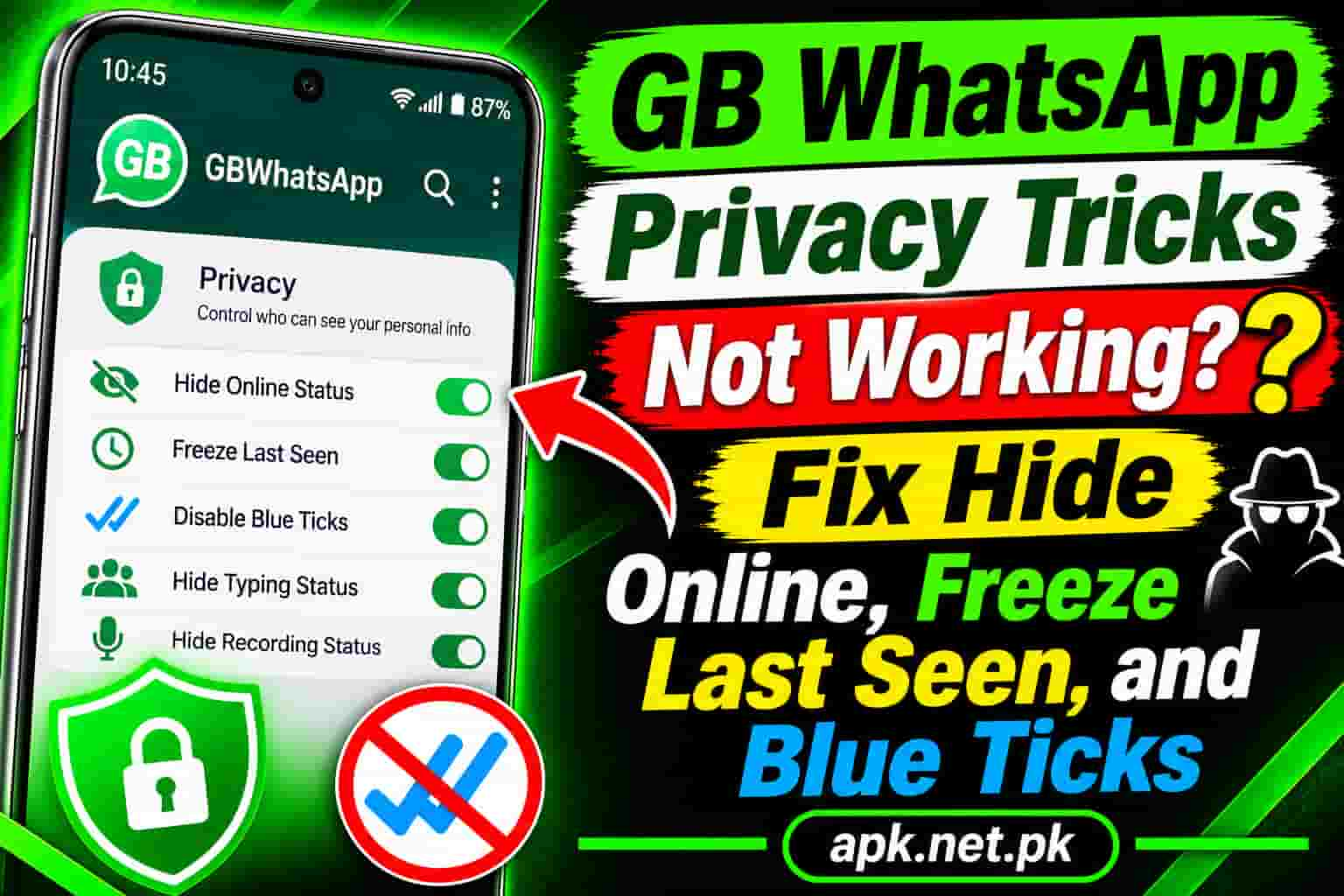
GB WhatsApp Privacy Tricks Not Working? Fix Hide Online, Freeze Last Seen, and Blue Ticks
You switched on hide online, freeze last seen, and hide blue ticks. Then a friend texts you, “I saw you online.” That moment is frustrating, and it is also common. In most cases, the tricks have not failed completely. A conflicting setting, an old build, or a simple testing mistake is usually the real cause. This guide shows how to find it and fix it in about ten minutes.
Still choosing a build? Our GB WhatsApp APK download page lists the version we recommend, and the sections below fix the privacy options one by one.
Quick diagnosis: what is going wrong?
Find your symptom first. Then jump to the matching fix.
| Symptom | Likely cause | Fastest fix |
|---|---|---|
| Still shows online | Official online setting, or you have the chat open | Reset the switch, close the chat, restart the app |
| Last seen not frozen | Setting reset or outdated build | Toggle it again, then update |
| Blue ticks still appear | Message arrived before you changed the setting | Test with a new message |
| Blue ticks in groups | Groups follow separate rules | Check the group switch in your build |
| Blue ticks after voice notes | Voice notes act as an exception | Avoid playing them in the app |
| Cannot see their last seen | Two way privacy rule | Share your last seen again |
| Everything stopped at once | Build fell behind a WhatsApp change | Update to a newer build |
9 fixes to try first
These steps solve most problems. Work through them in order, and test after each one.
1. Update to the latest build
GB WhatsApp changes how your phone talks to WhatsApp. When WhatsApp changes something on its side, an old build can fall behind, and a privacy trick can stop. Check our GB WhatsApp update page for a newer version, and back up your chats before you install it.
2. Match your official privacy settings
Open Settings, then Privacy, and read the Last seen and online options. Many GB WhatsApp guides report that a hide online trick works best when the main Last seen setting stays on Everyone or My contacts, not Nobody. A conflict between the two screens is one of the most common causes of failure.
3. Turn the GB switch off, restart, then turn it on
Open GB Settings, then Privacy and Security. Switch the option off. Force stop the app from Android settings, reopen it, and switch the option on again. Accept a restart prompt if your build shows one.
4. Check contact and group overrides
GB WhatsApp lets you set privacy rules for single contacts, and some builds keep separate switches for contacts and groups. One override can cancel your main setting. Open the contact’s profile and look for custom privacy options.
5. Free the app from battery limits
Aggressive battery savers can freeze the app, so its status goes stale. Set GB WhatsApp to Unrestricted in Android battery settings and allow background data. Our guide to the first 10 GB WhatsApp settings to change shows each step.
6. Clear the cache, not the data
Open Android settings, then Apps, then GBWhatsApp, then Storage. Tap Clear cache. Do not tap Clear data, because that wipes your account and chats unless you saved a backup.
7. Test the right way
Many people think a trick failed when they tested it badly. Use these rules instead.
- Ask a friend to open WhatsApp on a different phone.
- Send a brand new message after you change the setting.
- Close the chat, and then check the result.
- Wait a few minutes, because status updates can lag.
Old messages keep their old ticks. Only new messages follow the new rule.
8. Back up, then reinstall a fresh build
A damaged install can cause odd behavior. Create a local backup, uninstall GB WhatsApp, and install a fresh build from a source you trust. Then restore your chats and set your privacy options again.
9. Use official tools when the mod cannot keep up
Sometimes the build is simply behind. In that case, the official privacy options still cover part of the job. The section on official app options below explains what they can do.
Hide online status not working
Hide online should stop contacts from seeing the word “online” under your name. Here is why it often fails.
- You have the chat open. Typing or reading inside a chat can still reveal you in some builds. Close the conversation after you reply.
- The official online setting conflicts. The official app has its own Who can see when I’m online option. Set it to Same as last seen, then test again.
- The option was reset. Updates, reinstalls, and backup restores can switch privacy options back. Check the switch after any of these.
- The build is outdated. If every fix fails, update the app.
Freeze last seen not working
First, understand what freezing means. The official app cannot freeze last seen. It only lets you choose who can see it. In GB WhatsApp, the option keeps one old timestamp visible, even while you chat.
If your timestamp keeps changing, try these checks:
- Confirm the option is on in GB Settings, then Privacy and Security.
- Check the official Last seen setting for a conflict.
- Restart the app and test with a new chat.
- Update the app, since new WhatsApp changes can break this option until a new build arrives.
Expect one more thing. The frozen time is usually the moment you switched the option on. So it will look old, and that is correct.
Blue ticks still showing
Blue ticks cause the most confusion. Several separate rules apply, so check each one.
The message arrived before you changed the setting
Read receipt rules apply to messages that come in after the change. Messages you already received keep their old status. Test with a fresh message.
Groups follow different rules
In the official app, group chats still send read receipts even when read receipts are off. GB WhatsApp adds extra switches, and some builds offer a separate one for groups. Look for it in the same privacy menu.
Voice notes act as an exception
In many versions, playing a voice note can still trigger blue ticks. Reply in text, or ask the sender to type the message.
The second tick is a separate option
The second tick shows that a message reached your phone. Hiding blue ticks does not always hide it. GB WhatsApp has a separate hide option for that tick.
Reading from outside the chat
Reading a notification preview normally sends no ticks. Opening the chat can send them if hiding is off. Check that your hide option is on before you open any chat.
Typing and recording status not hiding
These two options are separate switches. Turn on Hide typing and Hide recording in GB Settings, then Privacy and Security. Then test with a friend. If the status still appears, check for a contact override and update the app. The official app has no matching switch, so you cannot use it as a backup here.
You cannot see other people’s last seen or ticks
This one is not a bug. WhatsApp uses a two way rule. When you hide your last seen, you also lose the ability to see theirs. In the same way, when you turn off read receipts, you stop seeing other people’s blue ticks.
GB WhatsApp changes some of this. Guides report that you can hide your own status and still see others. Still, the results depend on your build and your official privacy settings. If you can see nothing, set the official Last seen option back to My contacts and test.
One more detail helps. If a contact’s last seen is missing, they may have hidden it from you, or you may have hidden yours. You cannot tell which one from the screen alone.
What the official WhatsApp can do instead
If the mod keeps failing, the official app gives you a smaller set of tools:
- Limit who sees your last seen, including a My contacts except option.
- Control who can see when you are online.
- Turn off read receipts for one to one chats, which also hides other people’s blue ticks from you.
- Read a message with Airplane mode on, then leave the chat before you reconnect.
Meanwhile, if the whole app misbehaves and not just privacy, see our guide on GB WhatsApp not working. For a wider look at what each tool does, read our GB WhatsApp features guide.
A short safety note
WhatsApp states that unsupported apps such as GB WhatsApp violate its Terms of Service, and it cannot validate their security. Read the WhatsApp Help Center for its official position. Researchers also found a Triada trojan inside a different WhatsApp mod, as The Hacker News reported.
Frequently asked questions
Why is hide online status not working in GB WhatsApp?
The most common causes are a conflict with the official online setting, an open chat, a reset option, or an outdated build. Switch the option off and on, restart the app, and update it.
Why does freeze last seen not work?
The option may have reset after an update, or your build may lag behind a WhatsApp change. Turn it on again, restart the app, and install a newer build.
Why do my contacts still see my blue ticks?
The message may have arrived before you changed the setting. Test with a new message. Also check for contact overrides and the separate second tick option.
Why do blue ticks still show in groups?
Group chats follow separate rules. The official app still sends read receipts in groups, and only some GB WhatsApp builds have a separate group switch.
Do voice notes still show blue ticks?
Often, yes. In many versions, playing a voice note triggers blue ticks even when read receipts are off. Avoid playing it inside the app if you want to stay hidden.
Why can’t I see my contacts’ last seen after I hide mine?
WhatsApp uses a two way rule. If you hide your own last seen, you may lose the ability to see theirs. Set your official Last seen option to My contacts and test again.
Does updating GB WhatsApp reset my privacy settings?
It can on some builds. After any update, reinstall, or backup restore, open Privacy and Security and check every switch.
Can I hide my online status in official WhatsApp?
Yes. Open Settings, then Privacy, and use Who can see when I’m online. You can match it to your Last seen setting.
Can I freeze last seen in official WhatsApp?
No. The official app only lets you choose who can see your last seen. Freezing the timestamp is a mod feature.
How can I tell if someone hid their last seen?
You cannot tell for sure. If their last seen is missing, they may have hidden it from you, or you may have hidden yours. Check your own settings first.
Is it safe to keep using GB WhatsApp for privacy tricks?
It carries real risk. WhatsApp cannot validate the app’s security, and researchers have found malware in other mods. Use a trusted source, keep backups, and avoid sharing highly sensitive information.


One Comment