Golden WhatsApp Help
Golden WhatsApp Permissions Explained
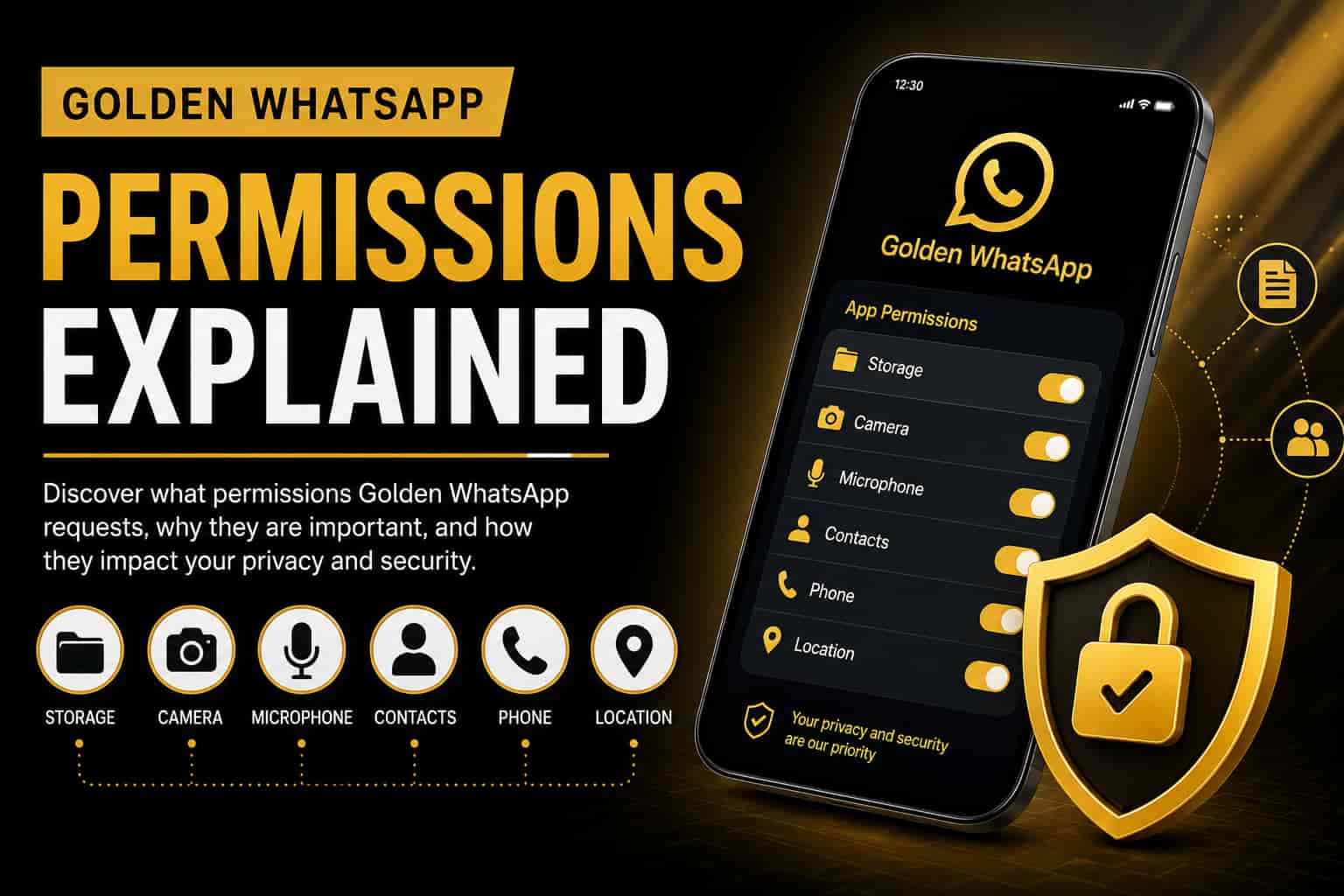
Learn what permissions Golden WhatsApp requests, why they are needed, and how they affect your privacy, security, messaging, and media sharing experience. Understanding app permissions is crucial for making informed security decisions. This guide is part of our comprehensive Golden WhatsApp safety and security guide.
Download Golden WhatsApp safely from: Golden WhatsApp Official Download
Table of Contents
Quick Answer
Golden WhatsApp requests permissions such as storage, camera, microphone, contacts, phone, and location access. These permissions enable core messaging features, media sharing, voice calls, video calls, and backup functionality. However, users should always review permissions carefully and grant only the access they understand and need. For a complete overview of safety practices, see our Golden WhatsApp safety guide.
What Are App Permissions?
App permissions allow software to access specific features of your smartphone. Messaging applications like Golden WhatsApp require certain permissions to perform actions such as sending photos, recording voice notes, making calls, and sharing files. Understanding these permissions is part of responsible app usage and device security.
Without these permissions, many important Golden WhatsApp features would not function properly. We recommend reviewing all requested permissions before installation. For more security information, check our APK scanning guide.
Storage Permission
Storage permission allows Golden WhatsApp to save and access media files on your device. This is one of the most essential permissions for any messaging app. Here’s what it enables:
- Download photos and videos from chats.
- Save voice notes and audio messages.
- Store documents and files.
- Create chat backups for data recovery.
- Share files with contacts easily.
If storage permission is denied, media downloads and file sharing may not work correctly. When downloading Golden WhatsApp from official sources, storage access is necessary for full functionality.
Camera Permission
Camera access enables users to capture photos and record videos directly from the application without switching between apps.
- Take pictures instantly within chats.
- Record video messages to share.
- Share media without leaving the app.
- Access front and rear cameras.
If you disable camera permission, you won’t be able to use the in-app camera feature, but you can still share photos from your gallery. For security-conscious users, there are ways to manage this permission. Learn more in our Golden WhatsApp security tips guide.
Microphone Permission
Microphone access is required for audio communication features, which are essential for voice-based messaging on Golden WhatsApp.
- Send voice messages to contacts.
- Make voice calls within the app.
- Record audio for sharing.
- Enable voice note sharing functionality.
Without microphone permission, you’ll lose the ability to make calls or send voice messages. This is a critical permission if you use Golden WhatsApp for voice communication.
Contacts Permission
Contacts permission allows Golden WhatsApp to identify which people in your phone book use the application. This makes finding and connecting with friends much easier.
- Display contact names in your chats.
- Find registered users automatically.
- Start chats quickly with known contacts.
- Synchronize contact information seamlessly.
This permission is particularly important if you’re setting up a secondary Golden WhatsApp account, as it helps organize your contacts between multiple accounts. You can learn more about dual account setup in our detailed guide.
Phone Permission
Phone access may be used for account verification and communication-related features. This permission helps Golden WhatsApp verify your identity and maintain secure connections.
- Mobile number verification during signup.
- Account authentication and security.
- Communication support for account recovery.
When you’re setting up a secondary number on Golden WhatsApp, this permission is essential for verifying your additional phone number through SMS codes.
Location Permission
Location access is only required when users want to share their live or current location with contacts.
- Share live location in real-time.
- Send current location to contacts.
- Enable location-based communication features.
This is the most optional permission. If you never share your location, you can safely disable it. For privacy-focused users, we recommend denying this permission unless necessary. See our privacy settings guide for more information.
Are These Permissions Safe?
Most permissions requested by messaging applications are intended to support normal functionality. However, users should always understand what each permission does before granting access. Golden WhatsApp requests standard permissions similar to official WhatsApp.
Regular permission reviews help improve privacy awareness and device security. When you download Golden WhatsApp, always ensure it’s from our official source. Additionally, always scan APK files with Play Protect before installation to verify security.
For comprehensive safety information, read our full guide: Is Golden WhatsApp Safe? Complete Analysis
Permission Management Tips
Proper permission management is crucial for maintaining device security and privacy. Follow these best practices:
- Review permissions after installation: Check what Golden WhatsApp requests immediately after installing.
- Disable permissions you don’t need: Deny optional permissions like location if you won’t use them.
- Update the application regularly: Regular updates patch security vulnerabilities.
- Download only from trusted sources: Always get apps from official APK download sites.
- Check app permissions periodically: Review settings every month to ensure no unauthorized access.
- Use device security features: Enable Google Play Protect scanning on your device.
- Monitor permission changes: Be alert if an app suddenly requests new permissions.
Frequently Asked Questions
Why does Golden WhatsApp need storage permission?
Storage access is required for downloads, backups, media sharing, and document management. Without it, you can’t save photos, videos, or create backups of your conversations.
Can I disable camera permission safely?
Yes, absolutely. However, the in-app camera feature won’t work. You can still share photos from your device gallery. For security-conscious users, this is a good choice.
Is location permission mandatory?
No. Location permission is generally required only when sharing your location with contacts. If you never use this feature, you can safely disable it to enhance privacy.
Should I review permissions regularly?
Yes, we strongly recommend reviewing permissions every month. This helps maintain privacy and ensures no unexpected access to sensitive data.
Can I revoke permissions after installation?
Yes. On Android, go to Settings > Apps > Golden WhatsApp > Permissions and disable any permissions you don’t want to grant.
What if Golden WhatsApp stops working after denying permissions?
Re-enable the permission it needs. Some features require specific permissions to function. Check our troubleshooting guide for solutions.
How does location sharing work?
Location sharing is optional and only used when you actively choose to share your location in a chat. You control when and with whom your location is shared.
Are these permissions different from official WhatsApp?
Golden WhatsApp requests similar permissions to official WhatsApp, though it may have additional features. Always scan APK files to verify safety.
Final Verdict
Golden WhatsApp permissions are primarily designed to support messaging, calling, file sharing, backups, and media functionality. Understanding each permission helps users make better privacy and security decisions.
Always review requested permissions carefully and grant access only when necessary. When installing Golden WhatsApp from official sources, you can trust that the app functions reliably. Additionally, scan APK files with Play Protect before installation for extra security.
Next Steps:
- Download Golden WhatsApp safely now
- Review app permissions in your device settings
- Disable any permissions you don’t need
- Read our complete safety guide for more security tips
Additional Security Recommendations
Beyond understanding permissions, follow these additional security practices:
- Download from official APK sources only
- Scan all APK files before installation
- Keep your Android OS updated with latest patches
- Enable device screen lock (PIN, pattern, or biometric)
- Review app permissions monthly
- Use strong account passwords
- Enable two-factor authentication if available
- Avoid public Wi-Fi when sensitive data is involved
For comprehensive security guidance, see our complete Android and APK safety guide.