
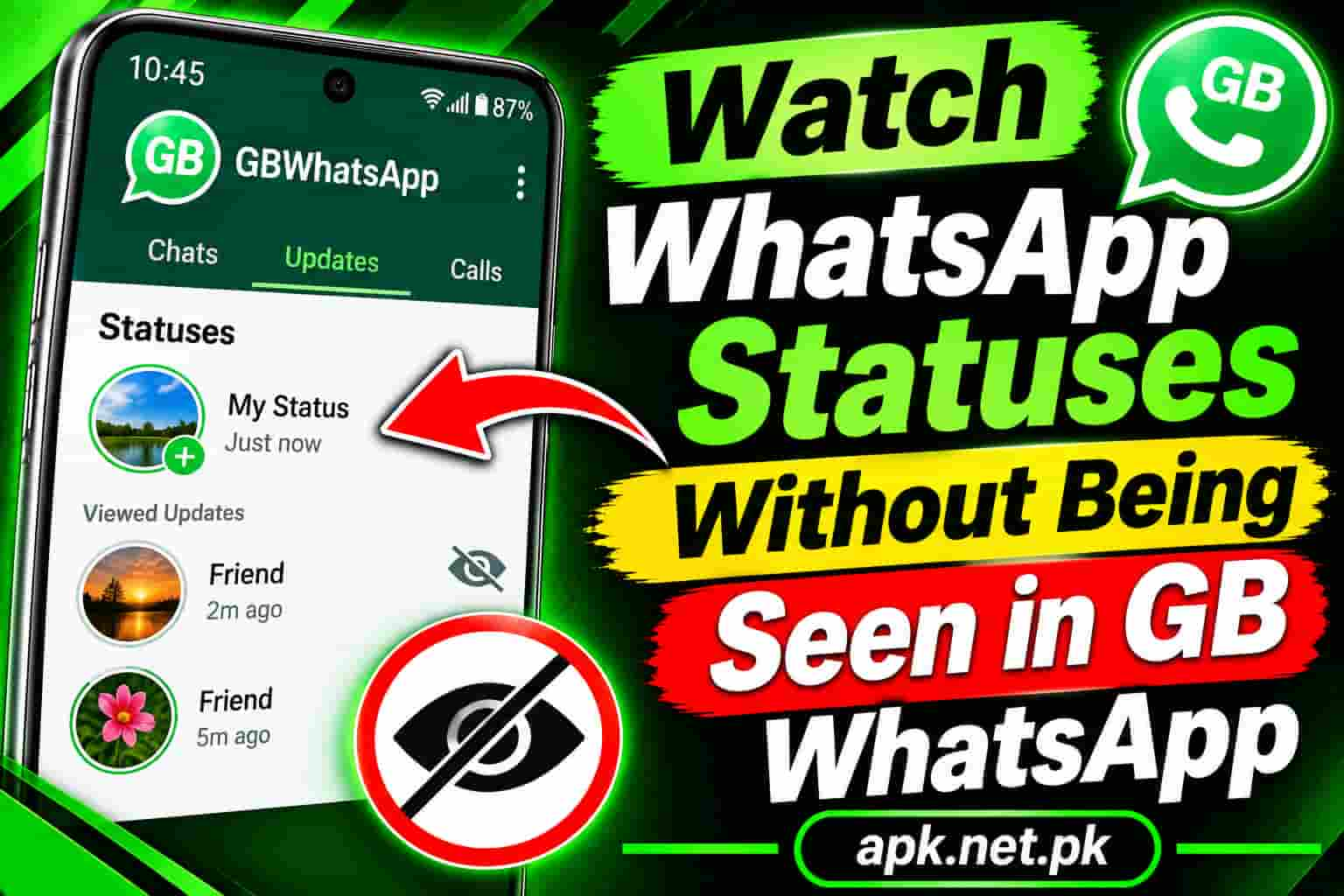
Watch WhatsApp Statuses Without Being Seen in GB WhatsApp
Sometimes you just want to look. You want to watch a contact’s WhatsApp status without leaving your name in their viewer list. GB WhatsApp makes that easy, and the official app offers a partial option too. This guide shows six ways to do it, compares them side by side, and explains the small mistakes that reveal you anyway.
Need the app first? Visit our GB WhatsApp APK download page, install it, and then follow the quick method below.
Quick answer: the fastest way in GB WhatsApp
Use the Hide View Status option. It takes about thirty seconds.
- Open GB WhatsApp and tap the three dots at the top right.
- Choose GB Settings, then Privacy and Security.
- Switch on Hide View Status. Some builds use a slightly different label.
- Open the Status tab and watch any status. Your name stays off the viewer list.
Menu names change between builds, so look for the closest match. Our guide to the first 10 GB WhatsApp settings to change shows where the privacy menu sits.
How WhatsApp status views work
Understanding the basics helps you avoid mistakes. A status stays live for 24 hours. When you open one, your phone sends a view receipt, and the poster sees your name in their viewer list.
That receipt connects to your read receipts setting. WhatsApp says that when you turn off read receipts, others may not see when you view their status. It also says you stop seeing who viewed your own status, and that group read receipts and voice message play receipts cannot be turned off.
GB WhatsApp adds a separate switch, so you can hide your views without changing your read receipts. That is the key difference.
Compare all 6 methods
| Method | Needs GB WhatsApp | Side effect | Reliability |
|---|---|---|---|
| Hide View Status | Yes | Few, depends on build | High |
| Read receipts off | No | Hides your blue ticks and your own viewer list | High |
| Offline preload | No | Needs careful timing | Medium |
| Hidden folder | No | Android file access can be limited | Medium |
| Status downloader | Yes | Saves a copy to your phone | High |
| WhatsApp Web trick | No | Inconsistent results | Low |
Method 1: Use the Hide View Status switch
This is the cleanest option. The switch lives in GB Settings, then Privacy and Security. Once it is on, you can open as many statuses as you like.
Most users report that they can still see who views their own statuses with this method. Builds differ, so test yours. You can also pair it with the other privacy options in our guide to fixing GB WhatsApp privacy tricks.
Method 2: Turn off read receipts
This official option works in both WhatsApp and GB WhatsApp.
- Open Settings, then Privacy.
- Turn off Read receipts.
- Open the status and watch it.
- Keep read receipts off until the status expires.
There are costs. You will not see who viewed your own statuses, and you will lose other people’s blue ticks too. Reports also say that if you switch read receipts back on before the status expires, WhatsApp may still tell the poster you saw it. So wait until the status is gone.
Method 3: Preload the status, then go offline
This method uses timing instead of a setting.
- Open the Status tab on a good connection and let the statuses load. Do not tap any of them.
- Turn on Airplane mode.
- Open the status and watch it.
- Close the app fully and clear it from recent apps.
- Only then turn Airplane mode off.
Step four matters most. If the app stays open when your connection returns, it can send the view receipt. If a status will not play offline, it has not finished loading, so this method will fail for that one.
Method 4: Open the hidden status folder
When you load a status, the app saves a temporary copy in a hidden folder. You can open that copy from a file manager without opening the status inside the app.
- Load the status list so the files download, but do not open any status.
- Open a file manager and turn on Show hidden files.
- Find the app’s media folder, then the hidden folder named .Statuses.
- Open the photo or video from there.
On newer Android versions, folder access can be limited, so this method will not work on every phone. The temporary copies also disappear after the status expires.
Method 5: Use the built in status downloader
GB WhatsApp includes a download button for statuses. Turn on Hide View Status first. Then open the status, tap the download option, and watch the saved copy from your gallery any time.
Ask for permission before you share someone else’s content. Our page on how to save photos and videos in GB WhatsApp shows where the app stores your files.
Method 6: Try the WhatsApp Web trick
Some guides suggest this: open WhatsApp Web in a private browser window, load the status, turn on airplane mode, and then view it. Results vary a lot, and WhatsApp may change how Web works at any time. Treat it as a last resort. The other five methods are more reliable.
Mistakes that reveal you anyway
- Replying to a status. A reply lands in the poster’s chat and shows your name.
- Reacting with a like. A reaction identifies you immediately, even if your view stayed hidden.
- Turning read receipts back on too early. Reports say the poster may then see the view.
- Reconnecting before you close the app. The app can send the receipt as soon as it goes online.
- Telling a friend. No setting can hide what you say out loud.
What to do when it does not work
- Switch the option off, force stop the app, and switch it on again.
- Update to the latest build, since old builds can fall behind WhatsApp changes.
- Check for contact specific privacy overrides.
- Try Method 2 or Method 3 as a backup.
For a deeper checklist, read our guide on GB WhatsApp privacy tricks not working.
A short safety note
WhatsApp states that unsupported apps such as GB WhatsApp violate its Terms of Service, and it cannot validate their security. The WhatsApp Help Center explains its official position. Researchers also found a Triada trojan inside another WhatsApp mod, as The Hacker News reported. Read our full guide on whether GB WhatsApp is safe before you trust it with private chats.
Frequently asked questions
Can you view WhatsApp status without being seen in GB WhatsApp?
Yes. Turn on Hide View Status in GB Settings, then Privacy and Security. After that, you can open statuses without adding your name to the viewer list.
Where is Hide View Status in GB WhatsApp?
Open the three dots menu, choose GB Settings, then Privacy and Security. The label can differ slightly between builds.
Does turning off read receipts hide my status views?
Yes, in most cases. WhatsApp says others may not see your status view when read receipts are off. You will also stop seeing who viewed your own status.
Can I still see who viewed my status after hiding my views?
With the GB switch, most users still can, but it depends on the build. With the official read receipts method, you cannot see your viewers.
Does the airplane mode trick still work?
It can work if the status has fully loaded first and you close the app before you reconnect. It is less reliable than the GB switch.
Will the person know if I screenshot their status?
As far as we know, WhatsApp does not notify the poster about screenshots of regular statuses. Still, ask before you share anything.
Will replying or reacting to a status reveal me?
Yes. A reply or a reaction shows your name to the poster, even if you hid your view.
Can I download a status without them knowing?
Yes. Turn on Hide View Status, open the status, and use the download option. The poster does not see your name, though you should still respect their content.
Why is Hide View Status not working?
The option may have reset, your build may be outdated, or a contact override may apply. Switch it off and on, restart the app, and update.
Is hiding status views allowed by WhatsApp?
Turning off read receipts is an official setting. The GB WhatsApp switch comes from an unsupported app that WhatsApp says violates its Terms of Service.
Can I do this on an iPhone?
The official read receipts method works on iPhone. GB WhatsApp is built for Android, so its switch is not an iPhone option.
One Comment