
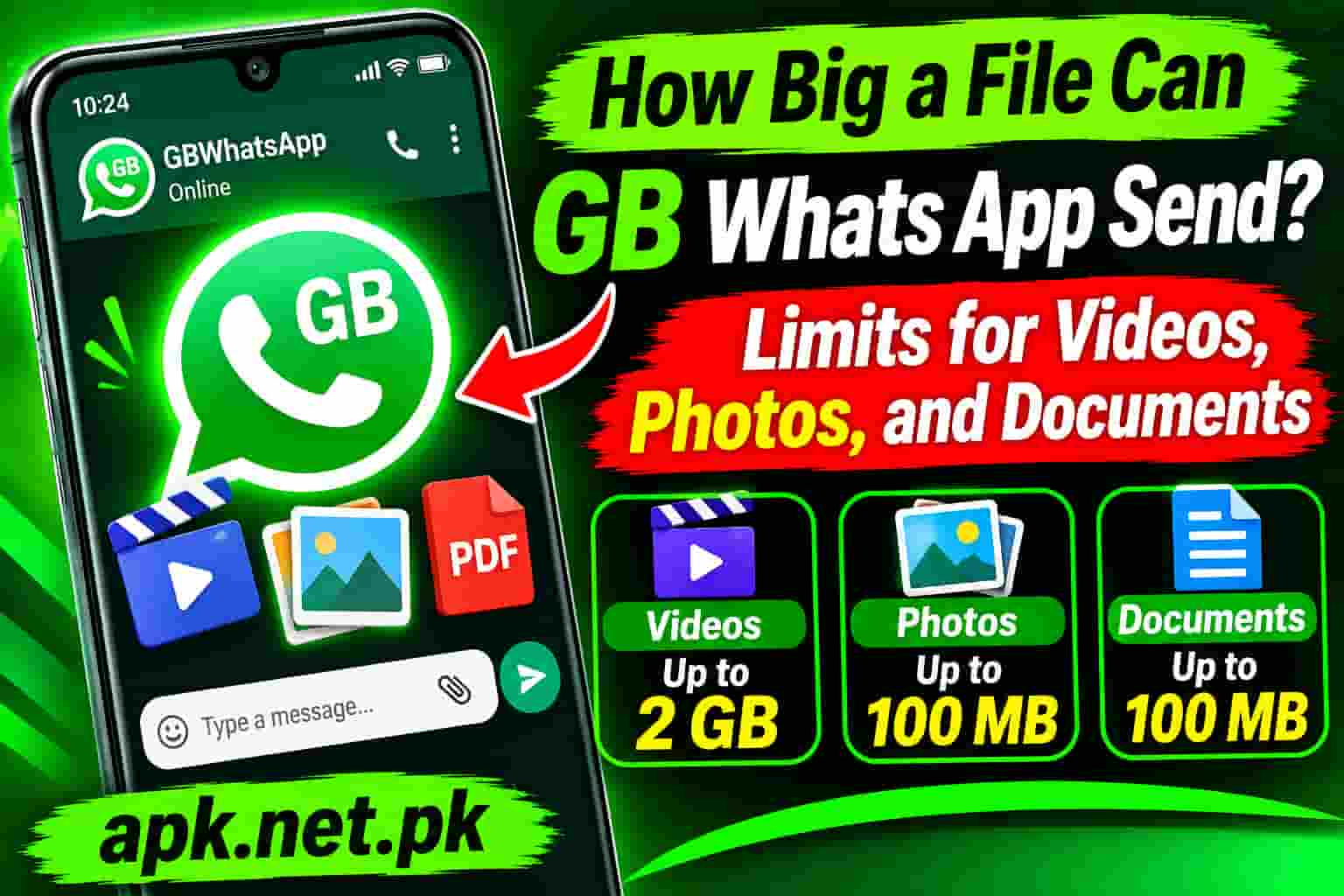
How Big a File Can GB Whats App Send? Limits for Videos, Photos, and Documents
GB WhatsApp lets you send videos up to 700 MB when sending through the gallery picker, which is well above the standard WhatsApp limit. It also lets you send up to 90 images in one go and share audio files without compression. But like the official app, there is also a document sending path that takes files all the way up to 2 GB with zero compression. This guide covers every file size limit in GB WhatsApp, explains why two different limits exist for the same file type, and shows you exactly how to send your largest files in the best possible quality.
The Two Sending Modes That Determine Every File Size Limit
Before looking at any specific number, you need to understand something that most guides on this topic miss entirely. GB WhatsApp and the official WhatsApp both have two completely separate file-sending systems running side by side. Which system you use determines both the size limit and whether your file gets compressed.
The first system is the media pipeline. This is what runs when you tap the attachment icon and choose Gallery, Photos, or Camera. The app treats your file as displayable media, generates an inline preview in the chat, saves it to the recipient’s gallery, and applies compression during upload. This path has a lower size ceiling, but the file appears inline in the conversation.
The second system is the document pipeline. This is what runs when you tap the attachment icon and choose Document or File. The app treats your file as a raw data transfer, sends the original bytes without any re-encoding or compression, shows it as a downloadable file attachment in the chat, and applies a much higher size limit. The recipient taps the file to download it rather than seeing an inline preview.
Media pipeline: smaller limit, compression applied, inline preview in chat. Document pipeline: 2 GB limit, zero compression, file attachment in chat. You choose which path to use every time you send a file. GB WhatsApp extends the media pipeline’s video limit from 100 MB to 700 MB compared to the official app, but both apps share the same 2 GB document pipeline limit.
GB WhatsApp Video File Size Limit
GB WhatsApp gives you two video size limits depending on how you send the file, and both are significantly more generous than what the official WhatsApp app offers through the gallery.
Sending a Video via the Gallery (Media Mode)
When you tap the attachment icon and pick a video from your gallery, GB WhatsApp sends it through the media pipeline. The limit for this path is 700 MB. The official WhatsApp app limits gallery-sent videos to 100 MB on a fast connection and 64 MB on a slow one. GB WhatsApp’s 700 MB media-mode limit means you can send roughly 7 to 10 times longer video clips directly from your gallery without switching to document mode.
Even at 700 MB, compression still applies in this mode. The app re-encodes the video to reduce file size and limit resolution to 720p maximum. This is the same behavior as the official app, just with a much higher size ceiling before it refuses to send. So a 700 MB raw video will be compressed during upload. The recipient receives a playable, inline video in the chat, but not the original file.
Sending a Video via Document Mode (No Compression)
When you tap the attachment icon and choose Document instead of Gallery, GB WhatsApp sends the video as a raw file. The limit for this path is 2 GB and there is zero compression. The recipient receives exactly the bytes you uploaded, at the original resolution, bitrate, and quality. The video appears as a downloadable file attachment in the chat rather than playing inline automatically.
For most use cases, document mode is the right way to send any video you care about preserving. The only trade-off is that the recipient needs to tap the attachment to download and play it rather than seeing it play automatically in the chat.
At 1080p with standard smartphone compression, 700 MB holds approximately 10 to 15 minutes of footage. At 4K, the same 700 MB covers roughly 3 to 5 minutes. For the 2 GB document limit, that scales up to 30 to 45 minutes at 1080p or around 10 to 15 minutes at 4K. For typical use cases like wedding highlights, event reels, or product demos, the 700 MB gallery limit comfortably covers most clips without needing document mode at all.
GB WhatsApp Photo File Size Limit
GB WhatsApp handles photos differently from the official app in two meaningful ways: the number of images you can send in a single batch is higher, and the compression applied to images is less aggressive, so recipients see better-quality photos even in standard media mode.
Batch Size: Up to 90 Images at Once
The official WhatsApp app limits you to 30 photos per batch message. GB WhatsApp increases this to up to 90 images in a single send. For anyone sharing event photos, product catalogs, or travel albums, this means three times fewer messages to cover the same number of images.
Photo Quality in Media Mode
When you send photos through the gallery picker in GB WhatsApp, the app applies less aggressive compression than the official WhatsApp does. The official app can reduce a photo from several megabytes to under 100 KB in some cases, losing significant detail in the process. GB WhatsApp preserves more of the original detail even when sending through the gallery mode, making it noticeably better for sharing photos you want the recipient to actually see clearly.
However, even GB WhatsApp’s gallery mode is not lossless. Some compression still occurs. For true original quality, the document pipeline is the right path.
Sending Photos at Full Original Quality (No Compression)
To send a photo in its exact original quality with zero compression, use the document pipeline. Tap the attachment icon, choose Document or File, navigate to the photo file, and send it. The recipient gets the original file at full resolution and original file size. This works for JPG, PNG, RAW camera files, HEIC, and every other image format. The file appears as a downloadable attachment rather than an inline gallery preview.
Gallery mode works well for casual sharing where the recipient just needs to see the photo clearly. Document mode is for professional handoffs, archiving, creative work, or any situation where the exact original file must arrive intact. A photographer sending edited images to a client, for example, should always use document mode.
GB WhatsApp Document File Size Limit
Both GB WhatsApp and the official WhatsApp share the same document size ceiling: 2 GB per file. This limit applies to all file types sent through the document picker regardless of format: PDFs, Word files, Excel spreadsheets, ZIP archives, APK files, PowerPoint presentations, MP4 videos sent as files, RAW photos, audio files, and any other file type.
The document pipeline never compresses. It never re-encodes. The recipient gets the exact file you sent, byte for byte. If you send a 1.8 GB ZIP archive, the recipient downloads a 1.8 GB ZIP archive. Nothing changes in transit except the upload and download journey across WhatsApp’s servers.
File Types You Can Send as Documents
| Category | Supported Formats | Max Size |
|---|---|---|
| Office Documents | PDF, DOCX, DOC, XLSX, XLS, PPTX, PPT, TXT, CSV | 2 GB |
| Compressed Archives | ZIP, RAR, 7Z, TAR, GZ | 2 GB |
| Videos as Files | MP4, MOV, MKV, AVI, WMV, FLV | 2 GB |
| Images as Files | JPG, PNG, HEIC, RAW, CR2, NEF, TIFF, PSD | 2 GB |
| Audio as Files | MP3, AAC, FLAC, WAV, M4A, OGG | 2 GB |
| APK and App Files | APK | 2 GB |
| eBooks and Text | EPUB, MOBI, TXT, HTML | 2 GB |
GB WhatsApp allows sending APK files as documents, which the official WhatsApp blocks. This is a commonly used feature for sharing apps between contacts. The same 2 GB limit applies. Always ensure you trust the source of any APK you receive this way. For the safest GB WhatsApp APK itself, always download from a verified source. The GB WhatsApp download page on APK.net.pk always has the latest verified build.
GB WhatsApp Audio File Size Limit
Audio in GB WhatsApp follows the same two-path system as other file types, but with a specific nuance for voice messages.
Voice Messages (Recorded in the App)
Voice messages recorded directly inside GB WhatsApp using the microphone button have a practical limit tied to the recording itself rather than a hard size cap. Very long voice recordings can reach 16 MB before the app stops them. For most conversations, a voice message stays well under this limit because the OGG format WhatsApp uses for voice is highly compressed.
Audio Files Sent as Documents
MP3, FLAC, WAV, AAC, M4A, and all other audio file formats sent through the document picker follow the 2 GB limit. This means you can send a full album in FLAC format, a podcast episode, an uncompressed recording, or a lengthy audio track without splitting it. The recipient downloads the original audio file at original quality.
Audio Sent via the Media Picker
Some audio formats can also be sent through the media picker as an audio message. In this case, WhatsApp re-encodes the file to its own compressed format. For music or professional audio you want to preserve, always use the document picker instead to prevent any quality loss.
GB WhatsApp vs Official WhatsApp: Complete File Size Limit Comparison
This table shows every relevant limit side by side so you can see exactly where GB WhatsApp improves on the official app and where the limits are the same.
| File Type and Mode | GB WhatsApp | Official WhatsApp | Compression Applied? |
|---|---|---|---|
| Video via gallery (media mode, fast connection) | 700 MB, max 720p | 100 MB, max 720p | Yes, re-encoded |
| Video via gallery (media mode, slow connection) | 700 MB, max 480p | 64 MB, max 480p | Yes, re-encoded |
| Video via document picker | 2 GB, original quality | 2 GB, original quality | None |
| Photos via gallery picker (batch) | Up to 90 at once, less compression | Up to 30 at once, more compression | Yes, reduced detail |
| Photos via document picker | 2 GB per file, original quality | 2 GB per file, original quality | None |
| Documents (PDF, DOCX, ZIP, etc.) | 2 GB per file | 2 GB per file | None |
| APK files | Allowed, 2 GB limit | Blocked | None |
| Audio files via document picker | 2 GB per file, original quality | 2 GB per file, original quality | None |
| Status video length | Up to 7 minutes | Up to 90 seconds | Yes, compressed on upload |
| Absolute maximum any single file | 2 GB | 2 GB | Depends on method used |
The pattern is clear: GB WhatsApp’s advantage is in the media pipeline, specifically for videos sent through the gallery. The 700 MB media-mode limit versus the official app’s 100 MB is a 7x improvement for sharing video directly in a chat. For everything sent via the document pipeline, both apps are identical at 2 GB.
How to Send a Large Video in GB WhatsApp Without Losing Quality
You have two options depending on how you want the video to appear in the chat. Option one sends through the gallery and shows an inline player. Option two sends through the document picker and preserves every detail of the original file.
Option 1: Send via Gallery (Inline, Up to 700 MB, Compressed)
- Open the chat in GB WhatsApp.
- Tap the attachment icon (the paperclip or plus icon).
- Tap Gallery or Photos and Videos.
- Select the video you want to send.
- Tap Send. GB WhatsApp will upload and compress the video before delivering it. The recipient sees an inline video player in the chat.
Option 2: Send via Document Picker (Full Original Quality, Up to 2 GB)
- Open the chat in GB WhatsApp.
- Tap the attachment icon.
- Tap Document or File instead of Gallery.
- Navigate through the file manager to find your video file.
- Tap the video file to select it.
- Tap Send. GB WhatsApp uploads the exact original file without any compression or re-encoding.
- The recipient sees a file attachment in the chat. They tap it to download and play it in their video player.
Use gallery mode when you want the recipient to see the video directly in the chat without downloading a file, and when video quality is not critical. Use document mode when the original file quality matters, the video is longer than a few minutes, or the recipient needs the file for editing or archiving. For professional video work, document mode is always the right choice.
How to Send Photos in Original Quality in GB WhatsApp
Sending photos through the standard gallery picker in GB WhatsApp compresses them. The result looks fine on a phone screen, but zoom in and you can see the detail loss compared to the original. For original quality, the document picker is the fix.
Steps to Send Photos at Full Original Quality
- Open the chat in GB WhatsApp.
- Tap the attachment icon.
- Tap Document or File.
- Navigate to your camera roll folder or the folder where your photos are stored. On most Android phones, this is Internal Storage / DCIM / Camera.
- Tap on each photo you want to send to select it. You can select multiple photos at once.
- Tap Send. Each photo arrives as a downloadable file at its full original resolution and quality.
The recipient sees the photos listed as file attachments. They tap each one to open and view it, or save it to their gallery. The images arrive at exactly the same quality as the files on your device.
GB WhatsApp’s document pipeline supports RAW camera formats including CR2, NEF, ARW, and DNG. The official WhatsApp gallery picker does not handle RAW files. This makes GB WhatsApp a viable quick-transfer method for photographers who want to send original RAW files to a client or collaborator without using a file-sharing service. The 2 GB document limit covers every RAW file from every consumer and professional camera currently available.
What to Do When Your File Exceeds 2 GB
Both GB WhatsApp and the official WhatsApp hard-stop at 2 GB. Neither app will accept a file larger than that through any sending method. If your file is bigger than 2 GB, you have three reliable options.
Option 1: Compress the Video Before Sending
Use a video compression app such as HandBrake (free, desktop) or a mobile compression app to reduce the file size below 2 GB while keeping the quality as high as possible. Lowering the bitrate or resolution slightly often cuts a 2.5 GB file to under 2 GB without visible quality loss on a phone screen. Once compressed, send it as a document in GB WhatsApp for zero additional compression from the app.
Option 2: Split the File into Parts Under 2 GB Each
For archives and large folders, use a compression tool like 7-Zip to split the archive into parts, each under 2 GB. Send each part as a document. The recipient reassembles the parts on their end. For videos, most editing apps can split a clip at any point to create two shorter files.
Option 3: Share a Download Link Instead
Upload the file to Google Drive, Dropbox, WeTransfer, or any cloud storage service. Copy the shareable link and paste it into the WhatsApp chat. The recipient clicks the link and downloads the full original file from the cloud service with no size restriction. This is the fastest solution for files in the range of 3 GB to several GB that cannot be practically compressed or split.
If the recipient also uses Google Drive, uploading to Drive and sharing a link is the most seamless workflow. Upload the file, right-click and choose Get Link, set sharing to Anyone with the link, and paste the URL into GB WhatsApp. The recipient opens the link in their browser or Drive app and downloads the file at original quality with no size limit.
Why Large Files Sometimes Fail to Send in GB WhatsApp
Even when a file is under the size limit, it can still fail to send. These are the most common reasons and the fix for each.
Weak or Unstable Internet Connection
A 500 MB upload requires a stable connection throughout the upload process. If your connection drops or fluctuates significantly during the upload, GB WhatsApp will fail the send and show an error. Switch to Wi-Fi for large files, or move to an area with stronger signal. Do not start a large file transfer when your battery is low or when the phone is likely to lock or restart during the process.
Insufficient Storage on the Sending Device
GB WhatsApp needs temporary storage space to process a file for upload. If your device is nearly full, the app may fail to prepare large files even when the file itself is already on the device. Free up at least a few hundred megabytes of storage before attempting to send very large files. The GB WhatsApp storage guide covers every method for reclaiming space quickly.
Insufficient Storage on the Receiving Device
The recipient’s phone must have enough free storage to download the file. If their device is nearly full, the download will fail on their end even though your send succeeded. If a contact reports that your file never arrived or stopped downloading, ask them to free up storage and try downloading again from the chat.
Outdated GB WhatsApp Version
Older GB WhatsApp builds can have bugs that affect file transfer behavior, particularly for large files. If large files fail to send consistently while smaller ones work fine, updating to the latest build often resolves the issue. Always run the most current verified version. Check the GB WhatsApp update page for the latest stable release.
File Format Not Supported
Some obscure or specialized file formats may not be accepted by the document picker even though they fall within the size limit. The simplest workaround is to place the file inside a ZIP archive and send the ZIP as a document. ZIP archives are universally accepted and can contain any file type.
File send failures are sometimes a symptom of a broader app issue rather than a file size problem. If GB WhatsApp is producing errors across multiple types of actions, the GB WhatsApp not working troubleshooting guide covers every common failure mode and fix.
Frequently Asked Questions
What is the maximum file size GB WhatsApp can send?
GB WhatsApp can send files up to 2 GB when using the document picker. For videos sent through the gallery in media mode, the limit is 700 MB. For photos sent through the gallery, there is no strict per-photo size limit, but the app will compress them. Using the document picker for any file type bypasses all compression and allows files up to 2 GB.
What is the video size limit in GB WhatsApp?
GB WhatsApp has two video limits. Videos sent through the gallery media picker can be up to 700 MB, and they are compressed during upload. Videos sent as a document through the document picker can be up to 2 GB and arrive at the recipient in original quality with no compression. The official WhatsApp app limits gallery-sent videos to 100 MB on a fast connection.
Does GB WhatsApp compress videos when you send them?
GB WhatsApp compresses videos sent through the gallery media picker. It re-encodes them to a maximum of 720p resolution regardless of the original quality. Videos sent through the document picker are not compressed at all. The recipient gets the exact original file. To send a video without any compression in GB WhatsApp, use the document picker instead of the gallery picker.
How many photos can I send at once in GB WhatsApp?
GB WhatsApp allows sending up to 90 photos in a single batch message. The official WhatsApp app limits batch photo sending to 30 at once. This three-times-larger batch size means significantly fewer messages needed when sharing large photo sets.
Can I send a video in original quality in GB WhatsApp?
Yes. To send a video in original quality in GB WhatsApp, tap the attachment icon and choose Document instead of Gallery or Photos. Navigate to your video file and select it. GB WhatsApp will send the file without any re-encoding or compression. The video arrives as a downloadable file attachment rather than an inline player, but the quality is identical to the source file.
What is the document size limit in GB WhatsApp?
GB WhatsApp allows sending documents up to 2 GB per file. This limit applies to all file types sent through the document picker including PDFs, ZIP archives, videos, images, audio files, and APK files. No compression is applied to documents regardless of file type or size.
Can I send APK files through GB WhatsApp?
Yes. GB WhatsApp allows sending APK files as document attachments. The official WhatsApp app blocks APK files. In GB WhatsApp, an APK can be sent the same way as any other document: tap the attachment icon, choose Document, navigate to the APK file, and send it. The same 2 GB size limit applies.
What is the difference in file size limits between GB WhatsApp and official WhatsApp?
The main difference is in the video gallery limit. GB WhatsApp allows sending videos up to 700 MB through the gallery media picker, while official WhatsApp caps this at 100 MB. GB WhatsApp also allows sending up to 90 photos per batch versus 30 in the official app. For the document pipeline, both apps share the same 2 GB limit and both send documents without compression.
Why did my large file fail to send in GB WhatsApp even though it was under 2 GB?
Several factors can cause a large file to fail even when it is within the size limit. The most common causes are an unstable internet connection during upload, insufficient free storage on your device for the app to prepare the file, or running an outdated GB WhatsApp build. Switch to Wi-Fi for large file transfers, free up device storage, and make sure you are on the latest version of the app.
How do I send a file larger than 2 GB using WhatsApp?
GB WhatsApp and the official WhatsApp both stop at 2 GB. For files over 2 GB, you have three options. Compress the file below 2 GB using a compression tool, split the file into smaller parts under 2 GB each and send them as separate documents, or upload the file to a cloud storage service like Google Drive and share the download link in the chat.
Bottom Line
GB WhatsApp gives you a 700 MB media-mode video limit versus the official app’s 100 MB, and lets you send 90 photos per batch instead of 30. Both apps share the same 2 GB document pipeline limit that sends any file type without compression. The rule that matters is simple: gallery mode is for quick sharing with an inline preview, document mode is for original quality and larger files.
For anything you care about preserving, tap the attachment icon, choose Document, and send through that path. The recipient gets your exact file. For quick videos and casual photo sharing, the gallery picker works fine up to 700 MB.
Always use the latest verified GB WhatsApp build for the most reliable file transfer performance. Download it from the official GB WhatsApp page at APK.net.pk.
Sources
- VeilShare, “WhatsApp File Size Limit 2026: 2 GB Files and 100 MB Videos” (October 2026)
- gHacks, “Send Large Files on WhatsApp: 2 GB Limit and Workarounds” (November 2026)
- gHacks, “How to send large files on WhatsApp: 3 easy ways” (2026)
- AccioPix, “WhatsApp Video Compression: Size Limits and HD, Explained” (2026)
- WhatsApp Help Center, “Sending Media” and “File Sharing” (checked October 2026)
One Comment