How to Change Theme in Gold Whatsapp
Gold WhatsApp Theme Guide
How to Change Theme in Gold WhatsApp
You can change the theme in Gold WhatsApp from the app’s theme settings. The option may appear as Themes, Gold Settings, or GB Settings depending on your version. If you have not installed the app yet, start with the latest Gold WhatsApp download page.
Official internal page: Gold WhatsApp Download
Quick Answer
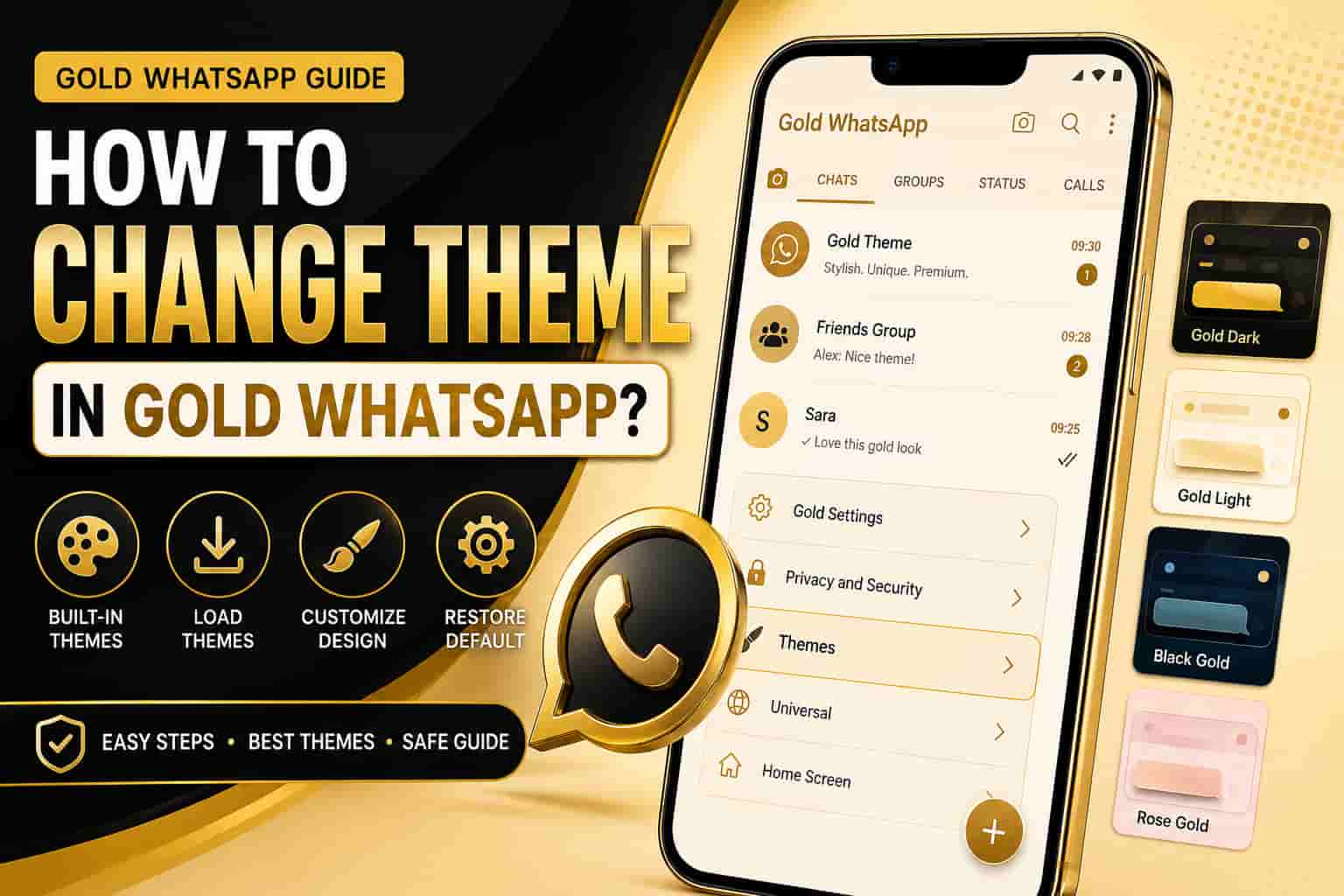
To change theme in Gold WhatsApp, open the app, tap the three-dot menu, open Gold Settings, choose Themes, select Download Themes or Load Theme, and apply your preferred design.
After that, restart Gold WhatsApp if the theme does not apply instantly. This refreshes the interface and loads the new layout properly.
Before Changing Theme
Before you apply a new theme, check a few basic things. This helps you avoid broken layout, unreadable text, and app restart issues. If you are still setting up Gold WhatsApp, follow our Golden WhatsApp installation guide first.
- Update Gold WhatsApp to the latest available version. If you need a previous release for compatibility, see Golden WhatsApp old versions.
- Keep enough free storage for theme files and app cache.
- Back up important chats before making major app changes.
- Use themes from inside the app when possible.
- Avoid unknown theme files from random websites.
How to Change Theme in Gold WhatsApp
1. Open Gold WhatsApp
First, open Gold WhatsApp on your Android phone. Make sure the app opens normally before you change the appearance. If the app is not opening correctly, see our guide on fixing Golden WhatsApp crashes before changing settings.
2. Tap the Three-Dot Menu
Next, tap the three-dot menu in the top corner. This menu usually contains app settings, privacy tools, and theme options.
3. Open Gold Settings
Now open Gold Settings. In some versions, the same option may appear as GB Settings, Plus Settings, or Mods Settings.
4. Select Themes
After that, choose the Themes option. This section controls app colors, chat screen design, header style, icons, and overall layout.
5. Choose Download Themes or Load Theme
Then select Download Themes if you want a theme from the built-in theme store. Choose Load Theme if you already have a saved theme file.
6. Apply the Theme
Finally, tap Apply. If Gold WhatsApp asks for restart, close the app and open it again. The new theme should appear after restart.
How to Download New Themes
Gold WhatsApp may include a built-in theme store. You can open it from the Themes section and choose a design that matches your style.
- Open Gold Settings.
- Tap Themes.
- Choose Download Themes.
- Preview the design if preview is available.
- Tap Apply and restart the app.
How to Restore Default Theme
If a theme looks broken, you can restore the default theme from the same theme settings. This helps you return to the original Gold WhatsApp look.
- Open Gold WhatsApp.
- Tap the three-dot menu.
- Open Gold Settings.
- Go to Themes.
- Choose Reset Preferences or Restore Default.
- Restart the app.
Theme Not Applying? Fix It
Sometimes the theme may not apply on the first try. However, you can fix this issue with a few quick checks. If the wider app is also failing to work, our Golden WhatsApp not working guide covers additional troubleshooting steps.
- Restart Gold WhatsApp after applying the theme.
- Clear app cache from Android settings.
- Check free storage on your phone.
- Download the theme again if the file looks damaged.
- Apply a different theme to test whether the issue comes from one theme file.
- Update the app if theme options keep crashing.
Safety Notes
Gold WhatsApp is a third-party APK. Therefore, use themes carefully and avoid files from unknown sources. A bad theme file can break the layout or affect app stability. For a broader look at the risks and safe-use practices, read Is Golden WhatsApp Safe?.
If you are comparing the mod with the official app before using it, see our Golden WhatsApp vs Official WhatsApp comparison. For safer Android use, read official information about Google Play Protect, Android permissions, and unofficial WhatsApp apps.
FAQs
Where is the theme option in Gold WhatsApp?
You can usually find it in three-dot menu, Gold Settings, and Themes. In some versions, the option may appear under GB Settings or Mods Settings.
Why is my Gold WhatsApp theme not applying?
The theme may not apply because of app cache, low storage, a damaged theme file, or an outdated version. Restart the app and try again.
Can I restore the original theme?
Yes. Open Themes and choose Restore Default or Reset Preferences. Then restart the app to load the original layout.
Are third-party themes safe?
Not always. Use built-in themes when possible and avoid theme files from unknown websites.
E-A-V Used
Entities used: Gold WhatsApp, Golden WhatsApp, APK file, Android, themes, Gold Settings, GB Settings, chat screen, app cache, Google Play Protect, Android permissions, and APK.net.pk. Attributes used: theme option, app appearance, theme file, default layout, storage space, cache status, app version, and safety warning. Values used: change theme, download themes, load theme, apply theme, restore default, clear cache, restart app, update version, avoid unknown files, and use APK.net.pk internal pages.