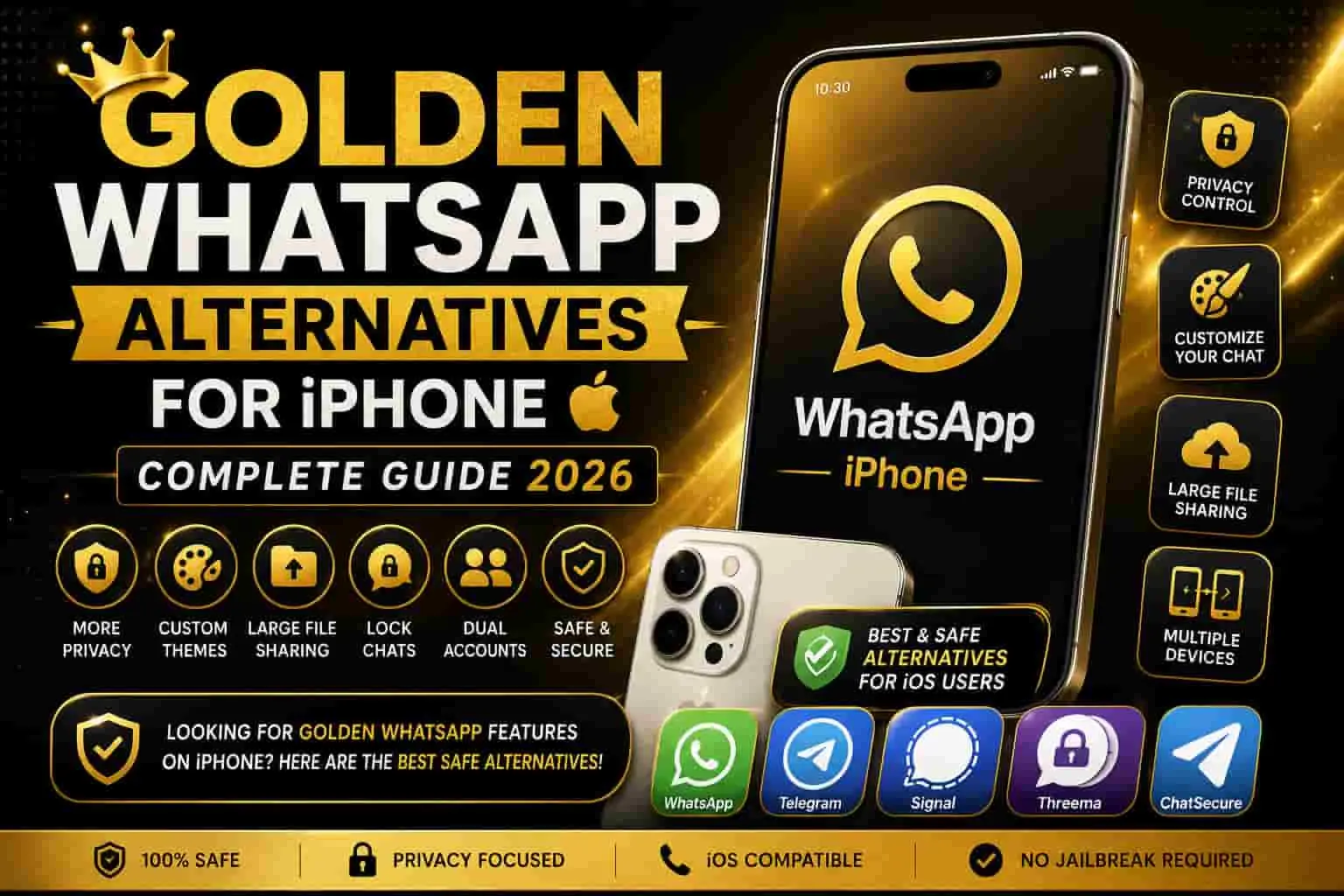
Golden WhatsApp Alternatives for iPhone – Complete Guide 2026
Why Golden WhatsApp does not work on iPhone, what you are actually looking for, and the best safe options for iOS users.
1. Why Golden WhatsApp Does Not Work on iPhone
Golden WhatsApp, GB WhatsApp, YoWhatsApp, and all other WhatsApp mods are built as Android APK files. iPhone runs Apple’s iOS, a closed operating system where apps can only be installed from the App Store — after passing Apple’s strict review process.
iOS does not allow sideloading — meaning you cannot install APK files or any unofficial app from outside the App Store. Because of this, no Android-based WhatsApp mod works on iPhone. There is no real iOS version of Golden WhatsApp, and there never has been.
Some websites falsely claim to offer “Golden WhatsApp for iPhone” download links. These are either completely fake, or they trick you into installing suspicious profiles and configurations that put your device’s security at risk. Always avoid such links.
2. What iPhone Users Are Actually Looking For
When someone searches “Golden WhatsApp for iPhone,” they usually want one of these things:
- More privacy control — Hiding online status or last seen from specific contacts.
- Custom themes and icons — Changing how WhatsApp looks on their phone.
- Larger file sharing — Sending big videos or documents without compression.
- Better chat management — Organizing and backing up conversations more easily.
- Two accounts on one device — Running a personal and a work number at the same time.
The good news is that most of these needs can be met on iPhone through legitimate, App Store-approved methods — no security risk required. And if you do have an Android device, Golden WhatsApp gives you all of these features and more, completely free.
3. Official WhatsApp Features You May Not Know About
The official WhatsApp for iOS already has quite a few useful privacy and customization settings built in. Most people never use them:
Privacy Settings
Go to Settings → Privacy. You can set your last seen, profile photo, about, status, and read receipts to “Nobody” or “My Contacts Except” — giving you selective control over who sees what.
Chat Lock with Face ID or Touch ID
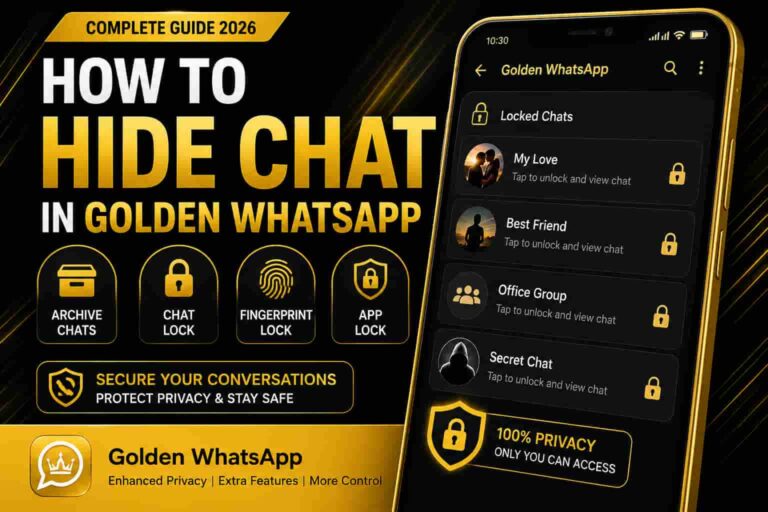
Individual chats can be locked behind Face ID or Touch ID. This is the safe, official version of the “hidden chat” feature found in mods like Golden WhatsApp.
Custom Chat Wallpapers
You can set a different wallpaper, color, or photo for each individual chat. It is a basic form of theming — official and completely safe.
Companion Devices and Linked Devices
One WhatsApp account can run on multiple devices at the same time — iPad, Mac, or browser — without your phone needing to stay online. This covers many dual-device use cases without needing a mod.
These features cover a lot of ground. But if you want the full picture — ghost mode, 1GB file sharing, auto-reply, reading deleted messages, and 1000+ themes — you need Golden WhatsApp on Android. There is no iOS equivalent that comes close.
4. Best App Store Options for Customization
If you only want to change how WhatsApp looks on your home screen, these App Store options are safe and do not require modifying the app itself:
- Custom App Icons via the Shortcuts app — iOS has a built-in Shortcuts app that lets you replace any app’s home screen icon with a custom design. You can give WhatsApp a gold icon without touching the app at all.
- Widgetsmith or Color Widgets — Third-party widget apps that let you personalize the area around WhatsApp on your home screen.
- Focus Modes — iOS’s built-in Focus feature silences WhatsApp notifications during set hours — similar to the DND Mode in Golden WhatsApp, but less granular.
These are surface-level changes. They do not come close to the deep theming, privacy controls, or extra features you get with Golden WhatsApp on Android.
5. Privacy Apps to Replace Mod Features
If privacy is your main concern and you want to explore beyond WhatsApp, these apps are available on the App Store and have strong privacy reputations:
- Signal — End-to-end encrypted messaging with minimal data collection and strong disappearing message controls. One of the most trusted private messaging apps available.
- Telegram — Offers self-destructing messages, cloud-based chat history, customizable themes, and custom notification sounds, all legitimately available on the App Store.
These are not replacements for WhatsApp — your contacts need to be on the same app for it to work. But they are worth considering if you want mod-like privacy features through official, verified channels.
For Android users who want the best of both worlds — WhatsApp’s network plus advanced features — Golden WhatsApp remains the top choice in Pakistan with over 10 million downloads.
6. Feature Comparison Table
| Feature You Want | Golden WhatsApp Feature | iPhone-Safe Alternative |
|---|---|---|
| Hide online status | Ghost Mode | Official Privacy Settings |
| Hidden or locked chats | Hide Chat feature | Chat Lock (Face ID / Touch ID) |
| Custom themes | 1000+ Theme Store | Custom wallpapers + Shortcuts icons |
| Larger file sharing | Send files up to 1GB | iCloud or Google Drive link sharing |
| Silence WhatsApp only | DND Mode | iOS Focus Mode (less precise) |
| Two accounts on one device | Dual account support | Linked / Companion Devices (same number only) |
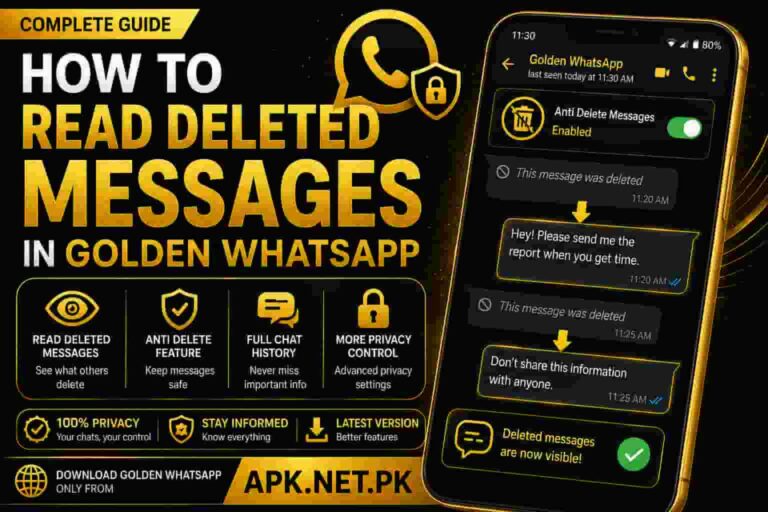
| Read deleted messages | Anti-Delete feature | Not available on iOS |
| Auto-reply bot | Built-in auto-reply | Not available on iOS |
As the table shows, official iOS tools cover some basics — but several of Golden WhatsApp’s most popular features simply have no iPhone equivalent. If these features matter to you, the only real solution is Golden WhatsApp on an Android device.
7. Why Sideloading Mods on iPhone Is Risky
Some websites offer jailbreaking guides, third-party app stores, unofficial TestFlight links, or fake “Golden WhatsApp IPA” files. Here is why you should avoid all of them:
- No App Store review — Files from unofficial sources skip Apple’s security checks entirely. Malicious code can hide inside and you would never know.
- Configuration profile risk — Some fake sites make you install a device “profile” that grants unnecessary access to your data and settings.
- Jailbreaking harms your device — Jailbreaking removes iOS’s built-in security layers, leaving your phone exposed to a wide range of threats.
- Account ban risk — If an unofficial method is detected accessing your WhatsApp account, your number can be permanently banned.
- No updates or support — Unlike Golden WhatsApp on Android — which ships regular anti-ban patches — unofficial iOS workarounds receive no ongoing maintenance.
8. Tips for iPhone Users
- Start with Settings → Privacy inside the official WhatsApp app. Many features you want are already there.
- Use the Shortcuts app to give WhatsApp a custom gold icon on your home screen — no app modification needed.
- For extra privacy, Signal is the best App Store option with genuine end-to-end encryption and no data collection.
- Never jailbreak your iPhone or install unofficial configuration profiles just to get a mod app — the security risk is not worth it.
- Back up your chats regularly using iCloud so your conversation history is always protected.
- If you have access to an Android device, try Golden WhatsApp on a secondary number — many Pakistani users run exactly this setup.
- Running into installation problems on Android? Check our guides on parse error fixes and update issues.
Related Guides
Learn more about Golden WhatsApp and how it compares to other options.
9. Frequently Asked Questions
Q: Is Golden WhatsApp officially available for iPhone?
No. Golden WhatsApp is an Android APK file. It does not run on iOS, and Apple’s App Store policies would never allow an unofficial modified messaging app regardless.
Q: What should I do if a website offers Golden WhatsApp for iPhone?
Avoid it. These sites are either completely fake or they install harmful profiles on your device. The only trustworthy source for Golden WhatsApp APK downloads is APK.net.pk — and only for Android.
Q: Can I customize WhatsApp on iPhone at all?
Yes, but only at a basic level. You can change chat wallpapers, notification sounds, and use the iOS Shortcuts app to set a custom home screen icon. Deep theming like Golden WhatsApp’s 1000+ theme store is not possible on iOS.
Q: What is the best privacy option for iPhone WhatsApp users?
Use the built-in Privacy settings and Chat Lock feature inside the official WhatsApp app first. For more control, Signal is the most privacy-focused messaging app available on the App Store. For the full range of mod-level privacy features, Golden WhatsApp on Android — which includes ghost mode, freeze last seen, and per-contact controls — remains unmatched.
Q: Does jailbreaking let me run Golden WhatsApp on iPhone?
Technically some unofficial methods exist, but they significantly weaken your phone’s security and are not recommended. There is no safe, stable, maintained way to run Golden WhatsApp on an iPhone in 2026.
Q: What is the difference between Golden WhatsApp and GB WhatsApp?
Both are popular Android WhatsApp mods, but they have different strengths. Golden WhatsApp focuses on its premium gold theme, strong privacy controls, and built-in anti-ban protection — making it the top choice for Pakistani users. See our full GB WhatsApp vs Golden WhatsApp comparison for a detailed breakdown.
Q: Can I use Golden WhatsApp on a PC or Chromebook?
Yes — on Android emulators like BlueStacks for PC, or directly on most Chromebooks that support Android apps. Visit the Golden WhatsApp for PC guide or the Chromebook guide for step-by-step instructions.
Q: Golden WhatsApp is not working on my Android — what should I do?
Check our troubleshooting guides. We have step-by-step fixes for Golden WhatsApp not working, app crashes, OTP not received, and backup restore not showing.